 Mayur Bhatasana
Before you write the first line of code, most good products begin as boxes and arrows on a computer screen. That’s why UX design software exists – to take an idea, however half-baked, and put it into a form that a team can respond to, before you’ve spent the time and money building the wrong thing. Whether you’re sketching out a basic web page or designing a complex multi-screen application flow, the correct wireframing software can mean a stress-free design experience or weeks of confused discussion.
Our guide to the best wireframing tools in 2026 compares the top free, paid, and AI-based generators, along with the collaboration tools that have become essential for design teams today.
Quick Overview
In terms of wireframes, Figma is the best all in one, Balsamiq is still king for low fi wireframes. Whimsical is the tool for user flows, Miro works well for remote teams, Uizard brings AI to the design process, and Visily is the best for non-design teams.
Top 3 Picks at a Glance
| Tool | Best For |
| Figma | Complete design-to-handoff workflows |
| Balsamiq | Fast, distraction-free low fidelity wireframes |
| Whimsical | Clean user flows and diagramming |
Getting Started With Wireframing Tools
Wireframing software doesn’t just do the work that you’d expect from the name. Not only is it used for laying out websites, designing app interfaces and creating quick, low fidelity wireframes at the beginning of a project, but we’re also seeing more and more use of the same software for mapping user flow, creating interactive prototypes and, ultimately, collaborating on the complete design-product, design and engineering. Most of the tools in this list can take a project from initial pen sketch to fully interactive prototype using just one piece of software.
Why UX Teams Use Wireframing Software
Wireframes are there to make thinking visible before it becomes expensive. Teams prototyping tools early to show structure, solve interaction problems before they design screens, and see if people really want what they are building before they have to pay to build it. Reviewing a wireframe often reveals serious usability problems well before an engineer ever has a finger on the keyboard, and so naturally it tends to greatly reduce costly changes near the end of a project. In the same vein, wireframes allow a team to validate an idea with end-users or customers before they spend any engineering time to build it – discovering a confusing flow on a whiteboard hurts a lot less than encountering it in production.
How We Selected These Wireframing Platforms
All tools were tested using these same evaluation criteria: core wireframing, prototyping features and depth of prototyping, live collaboration, AI features, design flexibility and customisation, template libraries, developer handoff, how easy each platform is to use, free access, and pricing. Costs are representative of each vendor’s website as of 2026.
Best Wireframing Tools Compared
| Tool | Rating | Best For | Key Features | Starting Price |
| Figma | 4.7/5 (G2) | Complete design workflows | Vector editing, Auto Layout, dev handoff | $16/editor/month |
| Balsamiq | 4.5/5 (Capterra) | Low fidelity wireframes | Drag and drop widgets, skitch style UI kit | $16/editor/month |
| Whimsical | 4.7/5 (Capterra) | User flows and diagrams | Flowcharts, mind maps, wireframes, AI actions | $10/editor/month |
| Miro | 4.7/5 (G2) | Remote collaboration | Infinite canvas, templates, AI sidekicks | $8/member/month |
| Uizard | 4.3/5 (G2) | AI-powered design | Text/screenshot-to-UI, Autodesigner | $12/month |
| Visily | 4.8/5 (Capterra) | Non-design teams | AI wireframe generation, 1,500+ templates | $11/editor/month |
Top 6 Wireframing Tools in 2026
1. Figma
Rating: 4.7/5 (G2)
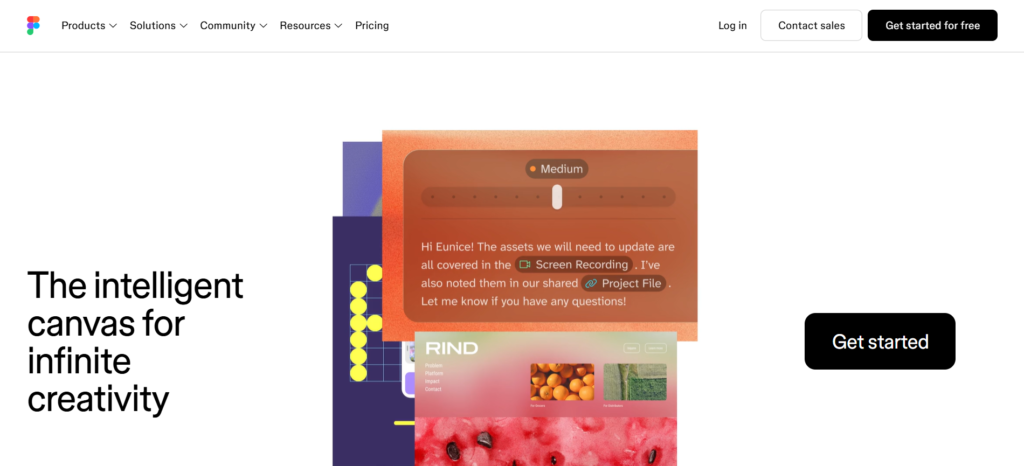
Today, Figma is the standard UX design software for most product teams, and of course for good reason it manages end to end from rough low fidelity wireframes to highly finished high fidelity screens and interactive prototypes, all in one web browser file. To try Figma out, visit their site where you can view the Starter plan and templates directly.
Why does Figma matter? It is possible to smoothly move up and down this spectrum of fidelity without the pain of swapping tools: sketch an idea freehand, grow it into a componentized design system and hand it off to developers with inspectable code. It also allows real time multiplayer editing so designers, PMs and engineers can be editing the same file.
Key Features:
- Real-time multiplayer editing and commenting
- Auto Layout for responsive, code-like structure
- Component libraries and shared design systems
- Built-in prototyping with interactive transitions
- Developer handoff with inspectable CSS and code snippets
Pros:
- Genuinely all-in-one, from wireframe to final handoff
- Strong real-time collaboration for distributed teams
- Huge plugin and template ecosystem
- Free Starter plan is usable for small, real projects
Cons:
- Seat-based pricing gets expensive as teams scale
- Steeper learning curve for complete design beginners
- AI features are metered by credits on top of the seat price
- Overkill for teams that only need quick, disposable sketches
Pricing:
- Starter: Free
- Professional – Full Seat: $16/month
- Professional – Dev Seat: $12/month
- Professional – Collab Seat: $3/month
- Organization – Full Seat: $55/month
- Organization – Dev Seat: $25/month
- Organization – Collab Seat: $5/month
- Enterprise – Full Seat: $90/month
- Enterprise – Dev Seat: $35/month
- Enterprise – Collab Seat: $5/month
Bonus Read: 7 Best Social Listening Tools in 2026
2. Balsamiq
Rating: 4.5/5 (Capterra)
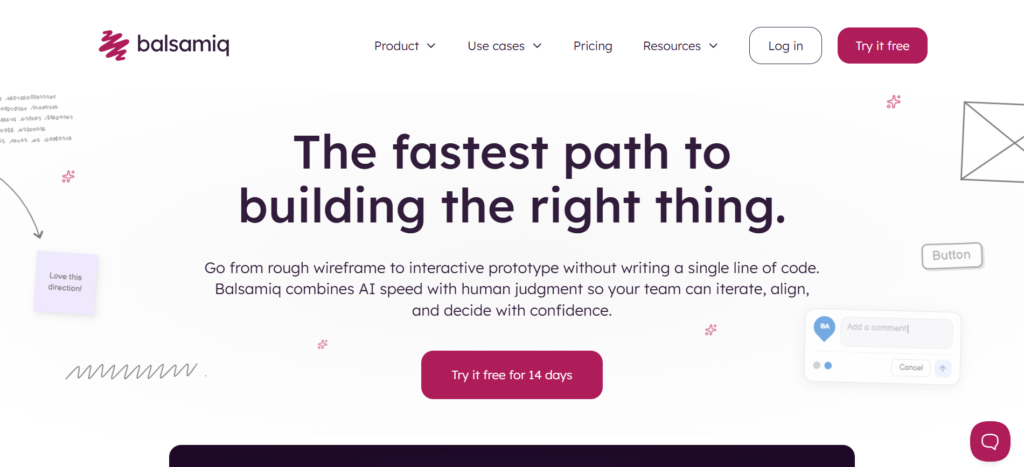
What has kept Balsamiq popular all these years is one thing and one thing alone: it’s inherently low fi – and that is what it’s all about. Those sketches and hand-drawn quality widgets make it clear that you’re showing a client a basic structural outline, not a final design, so your early feedback is about the placement, not colour and typography. See the latest Balsamiq pricing here.
Its UI library of drag-and-drop components includes all the common components most UI would require: buttons, forms, nav bars, tables, etc. So you could create a wireframe in minutes.
Key Features:
- Sketch-style, deliberately low-fidelity UI kit
- Fast drag-and-drop wireframe assembly
- AI credits for generating starter wireframes
- Clickable prototype links for sharing with clients
- Integrations with Jira, Confluence, and Google Drive
Pros:
- Extremely fast to learn and start using
- Low-fidelity style keeps early feedback on structure, not visuals
- Good for client communication and quick concept sharing
- Reliable, long standing tool with active support
Cons:
- No permanent free plan, only a 14 day trial
- Not suited for high fidelity or pixel perfect design work
- Fewer advanced prototyping features than Figma or Uizard
- Collaboration features are more limited than newer competitors
Pricing:
- Starter: $16/month/editor
- Teams: $24/month/editor
- Enterprise: $35/month/editor
3. Whimsical
Rating: 4.7/5 (Capterra)
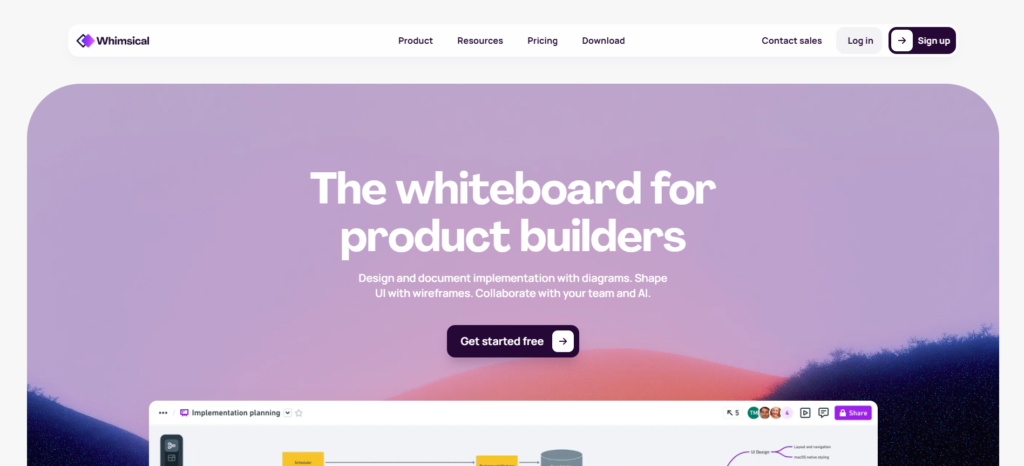
Whimsical is based on the premise that «most product thinking takes place in flows», not screens. In addition to the wireframing tools, it provides flowcharts, mind maps and sticky notes in the very same canvas, which makes it a natural tool for teams that want to delineate a user journey before creating an interface. Take a look at their plans on Whimsical’s site.
Since everything is in one place, a team can begin by sketching a signup flowchart, then immediately add wireframes next to the corresponding steps. No switching back and forth between different tools.
Key Features:
- Flowcharts, mind maps, and wireframes in one canvas
- Sticky notes and docs for planning alongside design
- AI actions for generating flow and wireframe elements
- Clean, minimal visual style built for readability
- Real time collaborative editing
Pros:
- Excellent for mapping user flows before designing screens
- Clean interface with a genuinely short learning curve
- Generous free plan for individuals and small teams
- Affordable Pro tier compared to full design suites
Cons:
- Wireframing depth is lighter than dedicated tools like Figma
- Free plan caps team boards and lifetime AI actions
- Not built for high-fidelity, pixel-perfect design
- Fewer third-party integrations than larger platforms
Pricing:
- Free: $0/month/editor
- Pro: $10/month/editor
- Business: $20/month/editor
4. Miro
Rating: 4.7/5 (G2)

Miro has evolved from a simple digital whiteboard to be one of the most common tools for remote collaboration on early stage designs. The infinite canvas lends itself well to design workshops, collaborative brainstorming, and team wide wireframing where multiple designers and their colleagues need to contribute simultaneously. See Miro’s price list for current availability.
Though Miro isn’t an exact wireframing tool ( Figma or Balsamiq ), it does have a wireframing template library and drag and drop user interface kits, which can be great for quick collaborative layout in a live workshop environment.
Key Features:
- Infinite canvas for freeform collaboration
- Wireframe and UX templates library
- AI sidekicks for generating diagrams and content
- Video chat and live cursors for workshop-style sessions
- Integrations with Jira, Asana, and Slack
Pros:
- Ideal for live, all joined in cooperative workshops and brainstorming
- Permanent free plan with unlimited members
- Huge template library beyond just wireframing
- Easy for non-designers to jump in and contribute
Cons:
- Free plan is capped at just 3 editable boards
- Less structured than dedicated wireframing tools for detailed UI work
- Prototyping features are sold as a separate add-on
- Can get cluttered on complex, long-running projects
Pricing:
- Free: $0/month
- Starter: $8/month per member
- Business: $20/month per member
- Enterprise: Custom pricing
5. Uizard
Rating: 4.3/5 (G2)
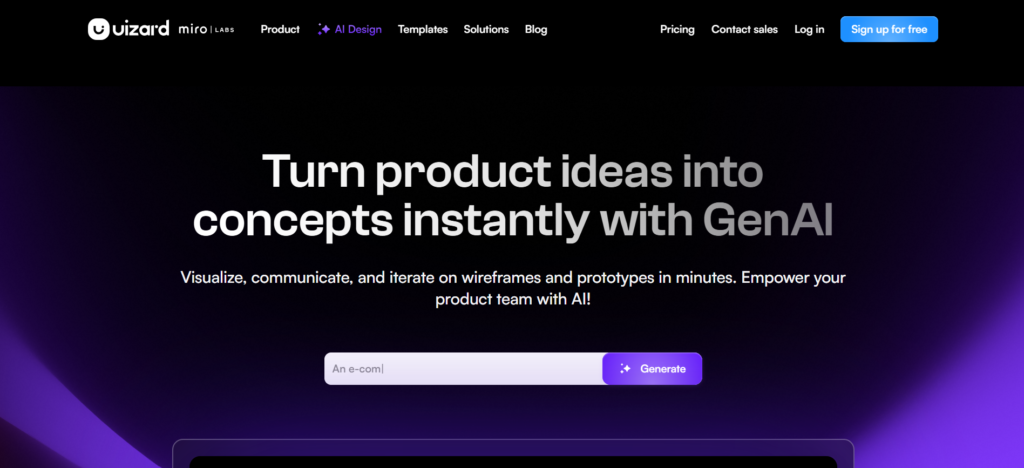
Uizard is a design tool dedicated to AI driven design, enabling anyone to generate editable wireframes and UI screens from either a text prompt, a rough sketch, or even a photo of an existing app. Its Auto designer system can generate a multi-screen interface from a text prompt in a matter of seconds, making it ideal for early ideation sessions. See upcoming features here.
Uizard not only offers ‘text-to-design’ but also a Uizard sketch scanner allow to turn a wireframe on paper, taken in a photograph, into an editable digital file, or the ‘screenshot-to-UI’ feature to generate a UI in minutes.
Key Features:
- Text-to-design and screenshot-to-UI generation
- Sketch scanner for converting hand-drawn wireframes
- Autodesigner for full multi-screen AI generation
- Editable output, not static images
- Code export for developer handoff
Pros:
- Fastest way to go from idea to editable wireframe
- Useful for non-designers who don’t want to learn a full design tool
- Sketch and screenshot conversion saves real setup time
- Reasonably priced Pro tier for solo users and small teams
Cons:
- Free plan’s AI generation limit is very restrictive
- AI credits get consumed quickly during active design iteration
- Output often needs manual cleanup before it’s production-ready
- Less mature ecosystem and integrations than Figma or Miro
Pricing:
- Free: $0/month
- Pro: $12/month
- Business: $39/month
6. Visily
Rating: 4.8/5 (Capterra)
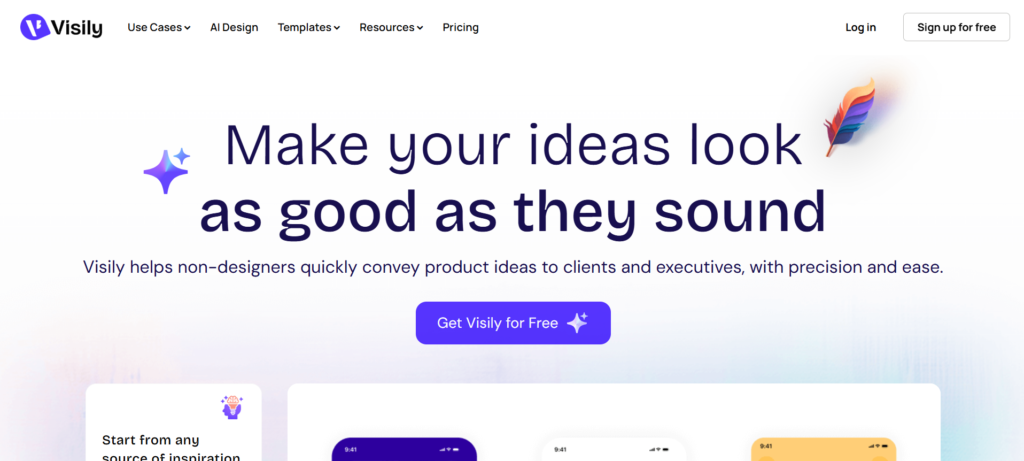
We have built Visily for those who are not professional designers, product managers, founders, developers.., who have to visually communicate their idea but don’t want to learn Figma. Its AI can translate simple text input, a screenshot, or a sketch into a complete editable wireframe and then make manual adjustments. Check out Visily’s pricing plans here.
Visily offers over 1,500 ready-made templates and a large selection of app and website UI components-so more than anything, it’s built around being fast and simple to use, rather than offering extensive customisation.
Key Features:
- AI generation from text, screenshots, or sketches
- 1,500+ pre-built templates and UI components
- Real-time co-editing, comments, and shared boards
- Theme extraction from a website URL or image
- Figma export for teams that need to hand off design files
Pros:
- Genuinely accessible for people with no design background
- Free Starter plan is generous and permanent
- Large, well-organised template library
- Affordable Pro tier relative to other AI design tools
Cons:
- AI credits can run out faster than expected on the free plan
- Less powerful than Figma for complex, high-fidelity design systems
- Watermarks appear on free-plan exports
- Newer platform with a smaller integration ecosystem
Pricing:
- Starter: $0/month
- Pro: $11/editor/month
- Business: $29/editor/month
Comparing Free, Paid, and AI Wireframing Options
Free tools such as Miro, Whimsical and Visily are great to use for lone designers or very small teams; however, almost all of them limit the number of boards, projects or AI generations you can access every month. Paid software such as Figma and Balsamiq lifts those restrictions, plus team libraries, version history and more robust prototyping when more than 1 or 2 people are involved.
AI-driven utilities such as Uizard and Visily bring the workflow further upstream – rather than manually positioning everything, you describe or draw what you are looking for, and the AI adjusts accordingly.
Features to Consider Before Selecting a Tool
Different projects need different levels of fidelity in design, so ask yourself what level you require before jumping onto a platform. Do you require low fidelity wireframes for early concepting or high fidelity for your final design that is nearer to production? When planning website redesign service, choosing the right level of wireframing can also help teams validate layouts before development begins.
Do prototypes need to be interactive for your review cycle? Tools with drag and drop editing, templates and component libraries all help speed things along from blank canvas to finished wireframe.
If your team is distributed, real-time collaboration becomes essential, and if you don’t have the luxury of abundant designers, AI-powered design can dramatically accelerate initial phases.
Which Tool Works Best for Your Design Process?
Which is right comes down to what your team spends the most time on. Figma is best for teams who want one tool that supports everything from the very first sketch to handing things off to developers. Balsamiq is better for teams who prefer to keep things low fi until it’s really time to polish. Whimsical is great for teams who struggle most with figuring out flows and logic before screens are even a thing.
Miro is the best place for collaborative workshops involving non-designers. Uizard is best for teams looking for AI to produce the first draft, and Visily is by far the best for entry-level teams seeking quick professional wireframes without the pain of learning a new tool.
Understanding Wireframing Tool Pricing
Most wireframing tools have a familiar structure: a free account with real, restricted features; a mid-cost “per user per month” account; and an enterprise-tier quote for bigger companies. Free accounts are perfect for testing something out or for light personal usage, but most teams will bump up against the ceiling boards, AI credit cap or lack of sharing capabilities quite quickly. Discounts can often be obtained for an annual payment on per user subscriptions, and team plans tend to bring in shared libraries, admin rights and increased daily limits.
A Practical Way to Choose Your Wireframing Platform
Begin by clarifying your true design needs as opposed to falling back on the most popular tool. Early on, determine if your team requires a more lo-fi or hi-fi process, as either will dismiss several tools. Be realistic about the collaboration your team requires – a team in the same place has very different needs from one spread across time zones.
For most people, the most important thing to compare is the tools’ AI features if having a quick turnaround time is a priority, and the prototyping features if stakeholder validation is contingent on a clickable prototype rather than a set of static screens. Look at the pricing for your “actual” use case rather than the listed starting point and, where possible, get a free plan or trial running on an actual project before making a decision.
Wireframing Trends Shaping UX Design in 2026
AI is redefining the process of wireframe creation nearly as profoundly as it is the process of creating code. We are seeing AI wireframes and text-to-interface generation transition from a novelty to an ordinary course of work, enabling teams to go from a written design briefing to a prototyped, editable screen within a matter of minutes. Automated prototyping and AI-powered design helpers are being integrated into normal tools in the mainstream, and collaborative design in real time is the typical expectation rather than the exception.
Faster developer handoff is narrowing the chasm between design and engineering, and open source design workflows are gaining popularity among teams looking to retain more control over their data.
Final Verdict
For the vast majority of teams, Figma is still the best all around wireframing tool, used by most teams from initial sketching through to developer delivery. Balsamiq works well for quick sketches and low fi wireframes. Whimsical is great for user flows. Miro is best for team collaboration.
Uizard and Visily are suitable options for AI-supported wireframing and non-design teams. To expedite the process, integrating an AI-centric application with a collaboration platform can enable teams to generate, examine, and disseminate concepts more efficiently.
FAQs
1. What are the best wireframing tools in The Current Year?
Figma, Balsamiq, Whimsical, Miro, Uizard, and Visily are good options depending on your requirements.
2. What is the best free wireframing tool
Miro, Whimsical, and Visily provide free plans with great value.
3. Which tool is best for beginners?
Visily and Balsamiq are easy to use for beginners.
4. Are AI wireframing tools worth using?
Yes, in terms of rapidly producing and developing initial ideas.
5. What is wireframing vs prototyping?
Wireframing is to establish the structure and layout, creating a prototype to gain the interaction within the page.