 Mayur Bhatasana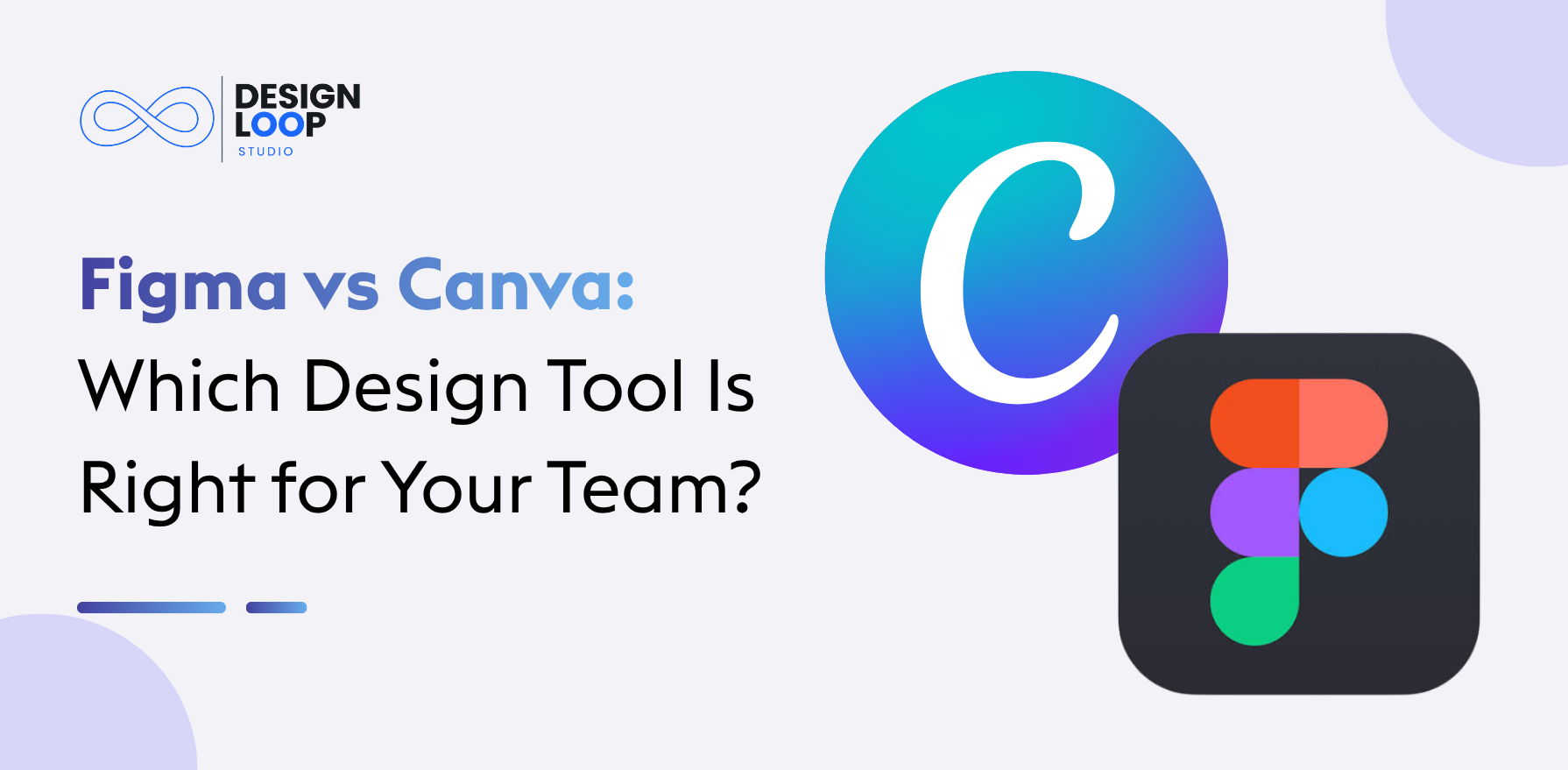
Quick verdict
Figma is the stronger pick for teams designing websites, mobile apps and software interfaces; its prototyping, component libraries and developer handoff tools are what product work actually needs, even though it takes some time to learn.
Canva works best for marketers, freelancers and small teams who want polished social posts, presentations and videos without spending hours on them; the ready-made templates, simple drag-and-drop editor and gentle learning curve mean even someone who has never designed before can get good results.
The Core Difference: Product Design vs Visual Content
Figma and Canva serve different design purposes.Figma enables designers to plan and experiment with the user experience even before developing it. Canva helps in simplifying the designing process for marketers and content creators.
For instance, a company which is making a mobile app can design the payment page using Figma and conduct testing of the user experience. The marketing department can create posts for promotions and advertisements using Canva.
That’s just how simple it is, Figma is for designing whereas Canva is for communication.
Figma vs Canva: Feature Comparison at a Glance
| Feature | Figma | Canva |
| Primary use | UI/UX and product design | Marketing and visual content |
| Ease of use | Requires design practice | Beginner-friendly |
| Templates | UI kits and community resources | Ready-made creative templates |
| AI features | Product design and prototyping workflows | Content creation and image editing |
| Collaboration | Design reviews and developer handoff | Content creation and brand approvals |
| Brand consistency | Components and shared libraries | Brand Kits and templates |
| Best for | Designers and developers | Marketers and content teams |
What Each Platform Can Create
Figma for Interfaces and Interactive Prototypes
The Figma tool provides designers with the chance to develop wireframes, website layouts, app designs, and design systems. If you’re comparing options for the wireframing stage, see our list of the best wireframing tools. In addition, designers can create components, and then reuse them everywhere.
Figma Slides makes it possible to create a presentation on design review and product discussion. The key benefit of this tool is that it combines design and product development.
Canva for Marketing and Everyday Design
Canva is an online tool that allows people to create graphics that can be used on various platforms like social media websites, presentations, brochures, videos, and much more. Templates enable anyone to create graphics without knowing anything about graphic designing. Teams that need polished decks can also look at professional presentation design support.
Brand Kits let teams reuse the same colors, fonts and layouts across designs, in line with brand guidelines.
Where Their Capabilities Overlap
Both tools support presentations and visual content, but for different goals. Figma is built for interactive prototypes and product interfaces, while Canva is built for template-based marketing content. For example, a product team can design and test a website in Figma, while the marketing team creates promotional graphics for it in Canva. The right choice depends on the type of design work you do.
Templates vs Design Systems
Canva assists marketers to create uniform graphics without the need to start from scratch through the use of brand kits and templates. This is efficient where there are many people who have to create marketing materials.
Components, variables and shared libraries in Figma solve an entirely different problem. This tool assists product teams in maintaining consistency in their buttons, colors, spacing and user interfaces of their products.
Where a company has to change its colors, templates can be updated in Canva for campaigns while components can be updated in Figma for products.
AI Features and Creative Workflows
The AI functions in Canva include creating visual assets, image editing, assistance with writing and layout adaptation. The above functions will be helpful to marketers when creating different versions of their campaigns. If you want to speed this up even more, you can connect ChatGPT to Canva and draft copy and ideas without leaving your design workflow.
Figma has AI functions that help with the development of products, such as interface design and prototyping. They are useful to designers in creating preliminary ideas and possible layouts.
AI-generated designs still need human review, as they can have flaws in appearance, accessibility, branding and usability.
Collaboration and Developer Handoff
Figma offers collaboration features including design documentation, commentaries, prototyping, and Dev Mode, whereby developers can effortlessly examine design specifications in implementation processes. This tool is especially helpful where the designers and developers have to work collaboratively on changes made to multiple screens.
Canva supports real-time co-editing, comments, sharing permissions and brand approval workflows, and its templates make it easy to produce approved content.
Use Figma in scenarios where collaboration is focused on product development. Use Canva when the focus is on designing visual content.
Canva vs Figma Pricing at a Glance
| Feature | Canva | Figma |
| Free plan | Free Starter plan | Free Starter plan |
| Entry-level paid plan | Pro Lite: ₹199/month | Professional: $16/month per full seat |
| Advanced paid plan | Pro: ₹500/month | Organization: $55/month per full seat |
| Business plan | Business : ₹6,80/month | Enterprise: $90/month per full seat |
| Main limitation | Less suitable for complex UI/UX workflows | Steeper learning curve for advanced design features |
You can start free on both, but Figma’s cost grows with every Full seat, while Canva’s depends on the Canva free vs paid differences. Since the currencies differ, compare plans by features rather than price alone.
Limitations of Figma and Canva
Figma: Figma can take time to learn, especially when working with advanced features such as components, variables, design systems, and interactive prototyping. Teams may also need paid seats to access the features and collaboration options required for their workflow.
Canva: Canva is easy to use for everyday visual content, but it is less suitable for complex UI/UX projects that require detailed interface design, advanced prototyping, and developer handoff. Its template-based workflow may also offer less flexibility for highly customized product interfaces.
Understanding these limitations can help you choose the platform that matches your design requirements, team skills, and budget.
Which Platform Fits Your Team?
- Marketing teams: Canva is a handy software for campaigns, social media graphics, and presentations.
- UI/UX designers: Figma should be employed when creating wireframes, prototypes, and UI components. In regards to UI/UX design, Figma is better than Canva.
- Startups: Using both works well if the processes of product development and marketing are different.
- Agencies: Canva can be used for mass marketing deliverables, whereas Figma is ideal for web and application design.
In choosing which is the most suitable design tool for teams, what counts is not the number of features that the software has but the deliverables and collaboration requirements.
Using Figma and Canva Together
Teams can use both platforms without duplicating work by assigning clear responsibilities.
- Keep product interfaces, prototypes, and component libraries in Figma.
- Use Canva to generate marketing campaign materials.
- Pass approved logo, screenshot, and branding guidelines back and forth between teams.
- Define ownership of the editable master files.
- Make sure that all the material you wish to export is updated prior to publishing to prevent yourself from using outdated graphics in your marketing campaigns.
Such an approach allows designers and marketers to work independently but remain cohesive in terms of their branding.
Conclusion
The difference between Figma and Canva will depend on the design requirements of your team. Figma is perfect for making web interfaces, mobile applications, reusable designs, and developer design layouts. On the other hand, Canva is best for creating social media visuals, marketing materials, presentations, and brand content.
While Figma allows you to create a product design in great detail, Canva makes visual creations more efficient and accessible for users who do not have advanced design skills. If a company has to develop both a product and market it, Figma and Canva will complement each other well.
FAQs About Figma vs Canva
Is Figma Better Than Canva for Professional Designers?
For UI/UX and product design, yes. Figma is the better choice for designing interfaces and prototypes, while Canva is better suited to marketing designers creating branded visuals.
Can Canva Replace Figma for Website and App Design?
Canva can create images and basic web content, but it lacks Figma’s prototyping and developer handoff features.
Which Tool Is Easier for Beginners?
For “Figma vs. Canva for beginners,” Canva will be more user-friendly because of its templates and drag-and-drop editor.
How Do Figma and Canva Compare for Team Collaboration?
In terms of collaboration, Figma would be great for reviewing and working on product designs, whereas Canva can be used for marketing collaboration.
Is It Worth Paying for Both Tools?
Yes, if your team builds digital products and also creates marketing content. Otherwise, using just one tool is usually cheaper and simpler.