 Mayur Bhatasana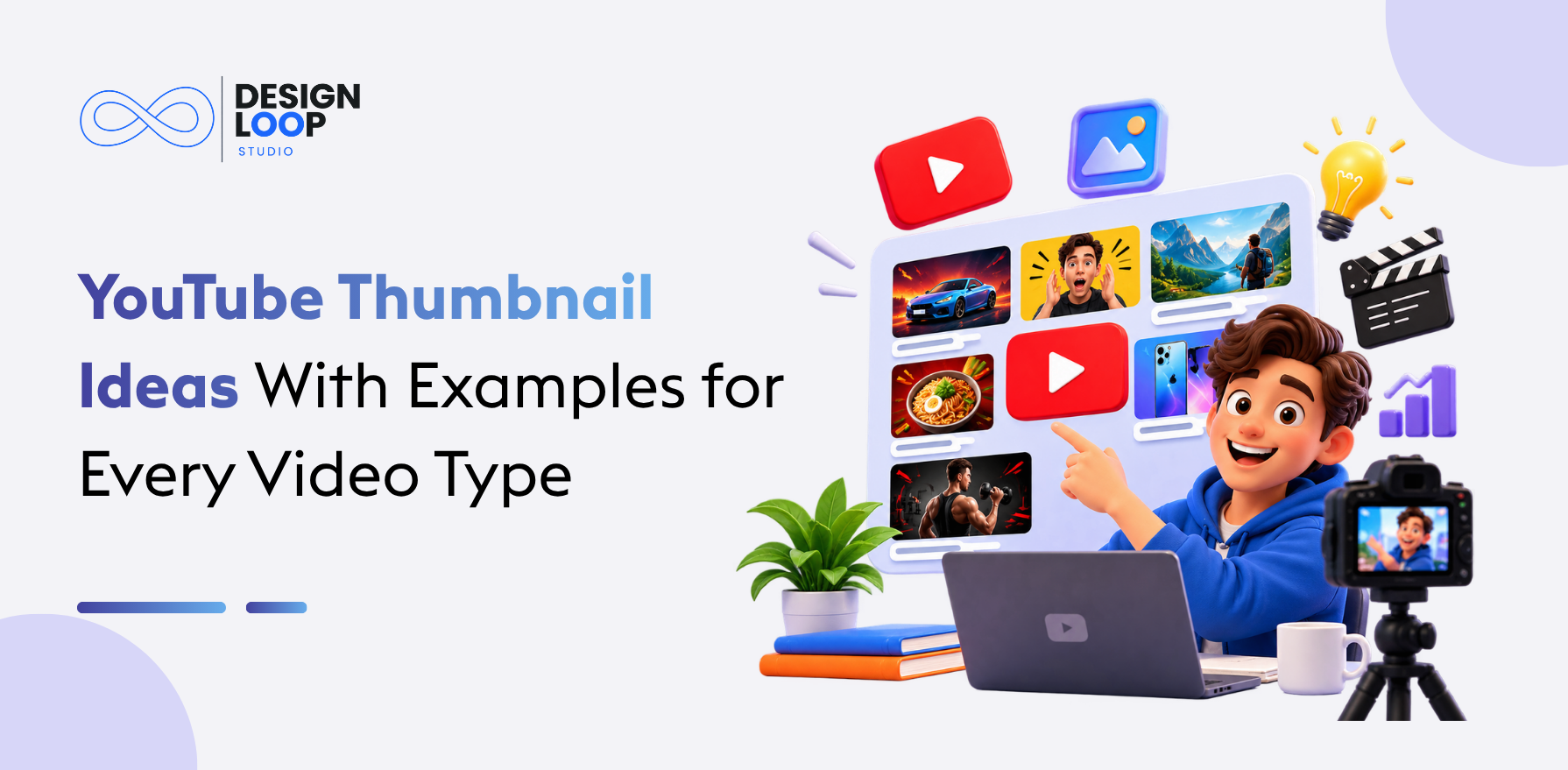
The ideal thumbnail must have an ideal focal point, contrast, legibility and images. The use of a face, product, number, comparison or image will assist you in communicating your message quickly. It is important that your design is clear and that you check the legibility of the message on a mobile device. It is recommended by YouTube that the thumbnail not mislead viewers.
Why the Right Thumbnail Matters
The thumbnail image gives the first visual representation to the viewer before viewing your video. It is important for viewers to be able to tell the topic of the video through the image.
According to YouTube, 90% of all the most successful videos have custom thumbnails. However, having an effective design does not guarantee that your video will get more views.
10 YouTube Thumbnail Ideas With Examples to Inspire Your Design
Check out the following 10 YouTube thumbnails which can help you create more creative and appealing thumbnails for your videos.
1. Curiosity Driven Thumbnails That Make Viewers Ask Questions
Best for: Education, psychology, commentary, and explainers.
The intriguing thumbnail picture presents the opportunity for learning without providing the entire answer. The School of Life could provide good insights when dealing with topics of psychology, relationships, and philosophy in visual format.
For example, for the video on overthinking, the phrase “WHY CAN’T I STOP?” can be accompanied by an intelligent look.

2. Face-Focused Thumbnails With Natural Expressions
Best for: Vlogs, tutorials, personal brands and entertainment.
Facial shots provide a personalised approach to reaching out to your audience. In his challenge videos, MrBeast uses facial shots. Neil Patel prefers using recognisable faces in his videos that involve marketing and business tips.
Choose an image that is properly lit and has a suitable facial expression relating to your topic. Avoid putting any unnecessary faces in the background.

3. Bold Numbers and Statistics That Communicate Value
Best for: Finance, experiments, statistics, and educational content.
Numbers carry particular meanings instantly. The founder of finance Graham Stephan gives you motivation to incorporate numbers and comparisons in your money content.
A video on savings can contain the text “$10,000 SAVED” on a basic background. You should use exact numbers backed up by the video.

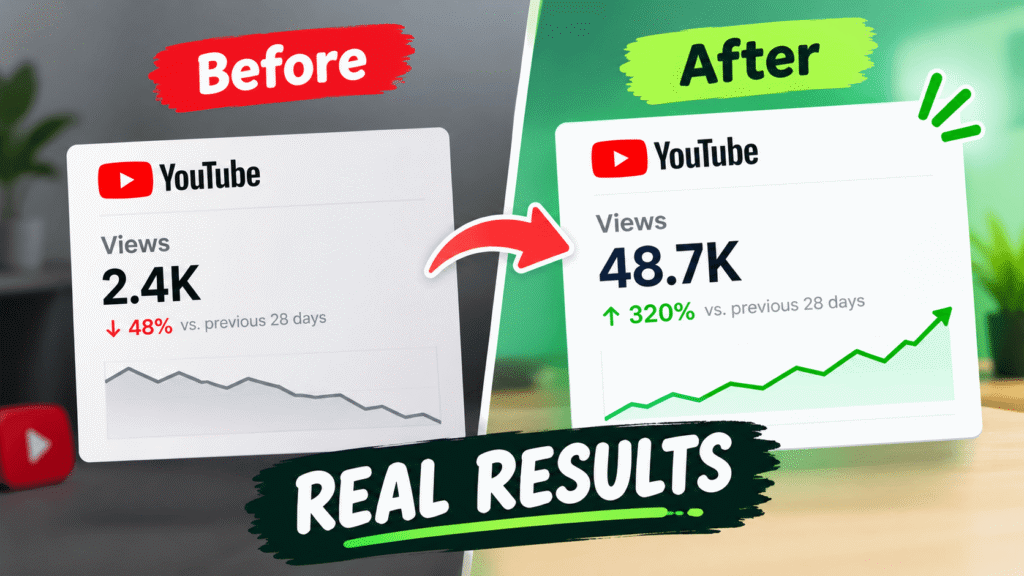
4. Before-and-After Thumbnails That Show Clear Results
Best for: DIY, photography, fitness, renovation, and editing tutorials.
The before-and-after layout shows an obvious transformation. In the case of full time filmmaker, it is an excellent point of comparison and reference while making films or editing content in video editing software, since visual improvement speaks volumes.
In a photo editing lesson, one can present an original image and an edited image side by side.
5. Comparison Thumbnails That Highlight the Differences
Best for: Product reviews, software, food and technology.
Comparison thumbnails let the viewer know that the video is comparing several items. Vox can give you ideas on how to make your video visually compelling, and food channels can take pictures and display them side by side to compare them.
Two laptops under an “A vs B” title may be reviewed. However make sure that the review is based on what the video is about.

6. Quote-Based Thumbnails for Podcasts and Interviews
Best for: Podcasts, interviews, motivational videos and expert discussions.
A quote may end up being the key element on a podcast thumbnail. Alpha Leaders is an example to follow if you want to focus your presentation on interviews.
Combine an impactful quotation with the photo of the speaker who is the author of the quote. Do not use any long and complicated sentences that may alter the meaning of the speaker’s words.

7. Product Focused Thumbnails for Reviews and Tutorials
Best for: Unboxings, product reviews, demonstrations, and buying guides.
Product-centred designs put the product in discussion at the center. In Apple’s product presentation, there is inspiration for clean visual effects with no extra designs that focus on the device.
When a review of a phone is conducted, it will be prudent to place the mobile phone using a phrase like “WORTH THE PRICE?”

8. Illustrated Thumbnails for Educational and Explainer Videos
Best for: Science, education, history and animated explainers.
The use of illustrations helps bring out an understanding of abstract ideas. TED-Ed is a great place for inspiration using educational animations.
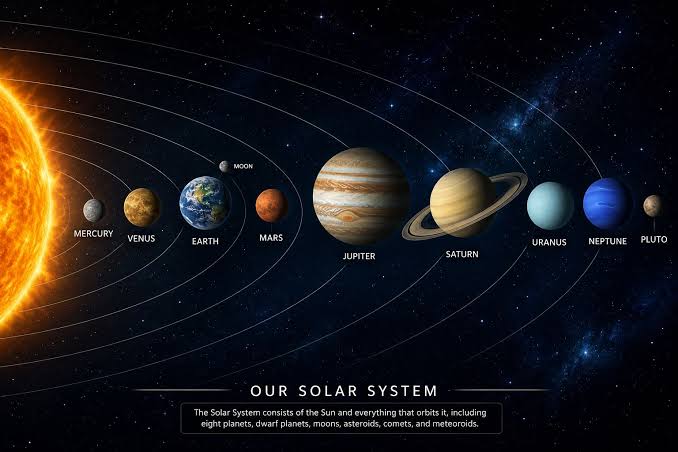
When making a video about the solar system, there should be illustrations of planets orbiting the sun. There should be use of a small number of colours and no small elements that will appear tiny when viewed on mobile phones.
9. Real-Life Photography for Travel and Lifestyle Content
Best for: Travel, lifestyle, home improvement and daily vlogs.
Photography that is genuine captures the essence behind the video footage. “Bucket List Family” and “XO, MaCenna” are examples that can give motivation to those who create content related to travel and lifestyles.
Select a photo depicting a significant event like breathtaking mountain scenery or the completion of a room makeover. Natural light and a defined focal point could help create the design even without post editing.

10. Humorous, Emotional and Action-Packed Thumbnails
Best for: Comedy, challenges, reactions, and entertainment.
Memorability of the thumbnails comes from humour, surprise, and motion when they relate to the content. Challenge-related thumbnails can be learned from MrBeast, and comedy thumbnails with a personality-driven style can be seen in the work of Kelly Stamps.
Showcase the most important part or reaction but do not exaggerate what is shown in the video.

How to Choose a Thumbnail Style for Your YouTube Niche
Select the right thumbnail style according to your channel’s audience and style. Educational and financial channels may employ graphics, stats, and questions to show value. Game and entertainment channels may feature characters, fun moments, or challenges to grab viewers’ attention.
Podcasts and personal brands may use recognisable faces and quotes; product review channels and lifestyle channels may prefer high quality product photos and comparative analysis. Study successful channels to get inspiration but adjust their styles to your own.
YouTube Thumbnail Design Tips That Make Ideas Work Better
Apply these YouTube thumbnail design principles before publishing:
- Keep one focal point: Choose a face, product, number or image.
- Use readable text: Three to five words are ideal where text enhances meaning.
- Maintain consistency: Repeat chosen colours, fonts and designs in uploads so your branding stays recognisable.
- Check mobile readability: Preview your design at a smaller size.
- Stay relevant: Make sure the thumbnail accurately represents the video.
Where standard videos are concerned, the correct aspect ratio should be 16:9. It is proper that we use an image size of 1280 x 720 pixels.
Test Different Thumbnail Designs Before Choosing a Winner
Compare various iterations instead of sticking to your own preferences. For instance, you can compare a thumbnail design which puts more emphasis on the face and one which is product-oriented.
The “Test & Compare” tool available in YouTube Studio gives eligible creators an option to test their thumbnails. Evaluate the outcome together with watch time and audience retention. It should be noted that a high click-through rate does not necessarily mean people will keep watching the video.
Conclusion
The best thumbnail approach requires consistency as well as variation. Select a style based on your content and try different layouts while seeing how it looks on mobile screens.
Get your creative YouTube thumbnails ideas given below instead of using them as templates. It is advisable to capture the essence of the video and appeal to people who share the same interests.
FAQs
1. What are some creative YouTube thumbnail ideas for beginners
Begin with something like a clean face, bold number, before/after, product or simply a question. Try to keep it simple and clear.
2. Should every YouTube thumbnail include a face?
No. Reviews, tutorials, illustrations, and even videos that have statistics can do well without faces.
3. How much text should you use on a YouTube thumbnail?
Use about three to five words if the text holds any significance. Do not repeat the whole title.
4. Which thumbnail styles work best for educational videos?
Good choices include illustrations, graphics, relevant photographs, statistical data, and curiosity questions, according to the topic.
5. How can you test whether a thumbnail is effective?
Evaluate views, clicks, and watch time through YouTube Studio. In addition, eligible YouTubers may utilise Test & Compare for assessment of designs.