
 Mayur Bhatasana
If you’re looking for the best way to download YouTube videos, the right tool depends on how you plan to use it. yt-dlp is a great open-source option if you’re comfortable with the command line, while 4K Video Downloader+ is a better choice if you prefer a simple desktop app for HD and 4K downloads.
If you want yt-dlp’s power without dealing with commands, Open Video Downloader provides an easier interface. And for a one-off download without installing anything, you can use an online converterjust be careful about the sites you choose.
Quick Summary: Top 3 Picks
| Tool | Why It Wins |
|---|---|
| yt-dlp | Most powerful, fully free, and the fastest to adapt when YouTube changes |
| 4K Video Downloader+ | Best balance of quality, batch support, and an approachable interface |
| Open Video Downloader | Same reliable engine as yt-dlp, without the command line |
Consider three factors before deciding: the resolution requirement (HD 1080p should be sufficient, whereas 4K/8K resolution only comes into play when archiving or playing on high-resolution screens), the need to convert individual videos or full playlists, and your concerns regarding ads, bundled programs, and privacy issues. The requirements of a YouTube to MP4 converter for casual users differ greatly from those for heavy downloaders.
YouTube Converter Tools: What Has Changed in 2026?
In 2026, YouTube converter tools have evolved dramatically, supporting HD, 4K and 8 K output more and more. Most desktop programs provide the functions as bitrate, codecs, frame rates, merging of audio-track and so on through easily accessible controls instead of command lines.
Meanwhile, a significant portion of browser based converters still prioritize quick, no-install operation, but users have to deal with pushy advertisements, potential malware redirects or compromised privacy. Batch and playlist download functionality has also increased. This allows creators, researchers, and educators to convert and process several videos at once. Overall, the market is moving toward higher-quality output, greater control, faster processing, and more convenient workflows.
The Selection Criteria Behind Our Top Picks
We measured each tool on these factors: output quality, conversion speed and file formats supported (including MP4, MKV, Web M, MP3 and M4 A), and also seen how well it worked across Windows, macOS, Linux and plug-ins for browsers. Batch processing was also another factor we considered, especially for channels, playlists and several URLs.
Ease of use, safety, privacy and overall value also came into play in our rankings. We considered the cleanliness of the installer, the presence of advertising, how data is used, and the availability of key features for free or only on paid tiers.
Top YouTube Converter Tools Compared
| Tool | Best For | Ratings | Max Quality | Platforms | Batch Downloads | Free Option |
| Open Video Downloader | Simple desktop GUI | 4.4/5 | Up to 4K | Windows, macOS, Linux | Yes | Fully free |
| yt-dlp | Open-source power users | 4.7/5 | Up to 8K | Windows, macOS, Linux | Yes | Fully free |
| 4K Video Downloader+ | High-resolution downloads | 4.5/5 | Up to 8K | Windows, macOS, Ubuntu | Yes | Free tier + paid plans |
| Any Video Converter | Format flexibility | 4.3/5 | Up to 4K | Windows, macOS | Yes | Free tier + paid plans |
| ClipGrab | Quick MP4/MP3 | 3.5/5 | Up to HD/4K (varies) | Windows, macOS, Linux | Limited | Fully free |
| Y2Mate | Browser-based, no install | 3.0/5 | Up to HD/4K (varies) | Browser (any OS) | No | Fully free |
1. Open Video Downloader – Best for a Simple Desktop Experience
Ratings: 4.4/5
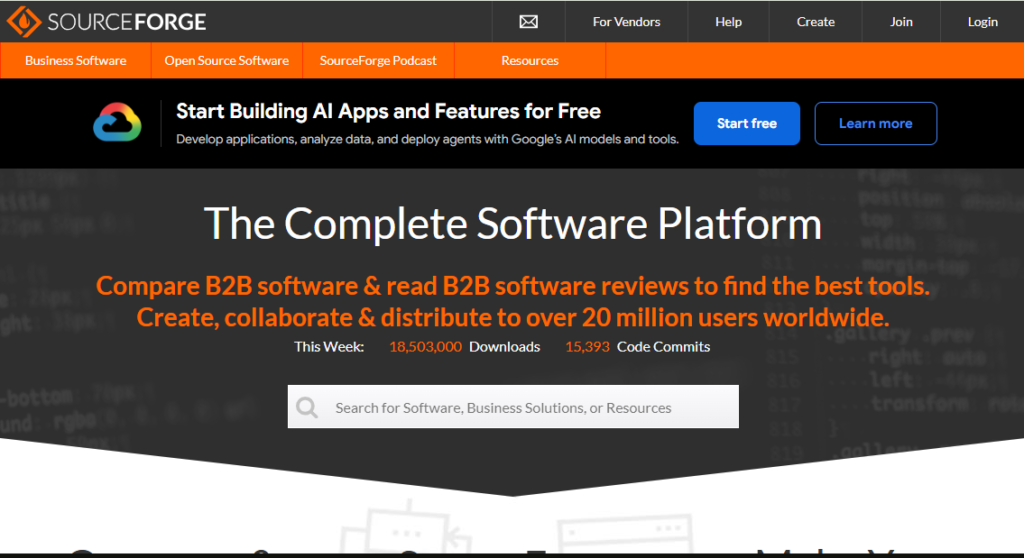
Open Video Downloader is an application that works on multiple platforms and acts as a GUI for the yt-dlp module which makes it suitable for people who wish to perform more advanced downloading without the use of a terminal. It has a very light interface for video as well as audio download and subtitles/metadata retrieval.
The tool also handles complete playlists and uses a queue system for batch downloads. Browser cookie authentication can support downloading private or members-only content when users have appropriate access. Overall, it offers a practical balance between control and simplicity.
Key features
- Graphical front-end for yt-dlp with no command-line requirement
- Resolution and format control (MP4, MKV, audio-only)
- Full playlist and multi-video queue downloading
- Custom filename templates and output paths
- Cookie-based authentication for logged-in content
Pros
- Free and open source
- Beginner-friendly interface built on a proven download engine
- Auto-updates its yt-dlp backend
- Cross-platform (Windows, macOS, Linux)
Cons
- Fewer advanced tweaks than raw yt-dlp
- Smaller community and documentation than more established tools
- No mobile app
- Occasional UI rough edges after the recent rewrite
Pricing:
- Free Listing: Complimentary product listing.
- Paid Plans: Additional promotional and visibility features are available.
- Pricing: Contact SourceForge for current plan pricing and package details.
2. yt-dlp – Best Open-Source Option
Ratings: 4.7/5
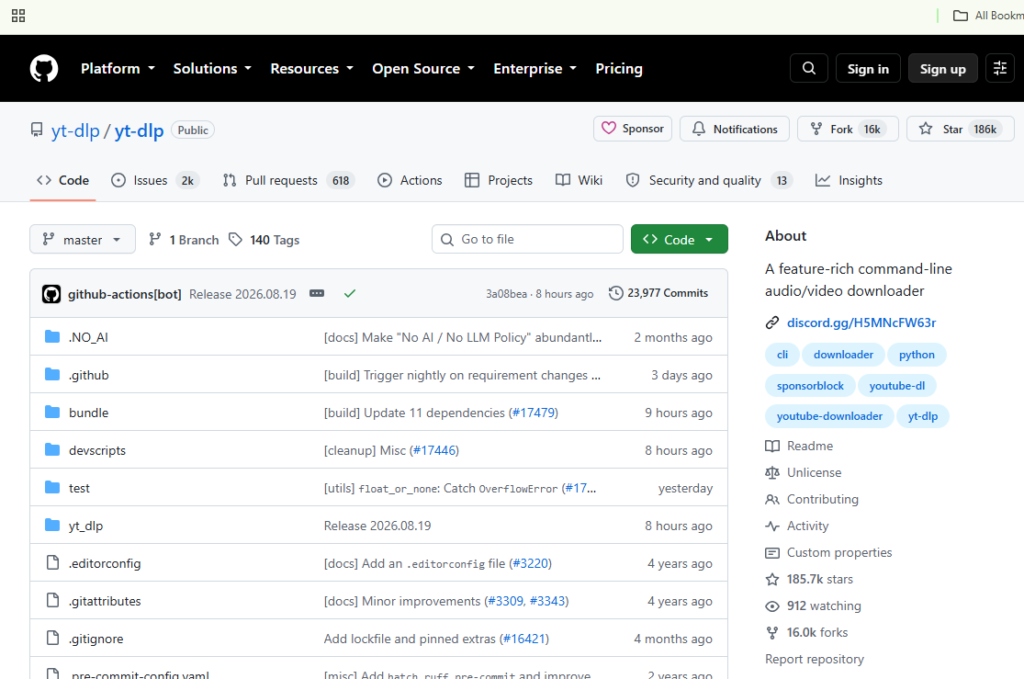
yt-dlp refers to a program that serves the purpose of a YouTube video downloader. It is open source, freely available, and operates on the command-line interface platform. This software works not only for YouTube but also many other sites and has no adware or other installers.
The biggest strength of the program is its control options. User can set up different resolution, merge the video and audio using FFmpeg, download audio in different formats such as MP3, M4A and FLAC and retry failed attempts.
Key features
- Format and resolution selection down to individual codec streams (up to 4K/8K where available)
- Built-in audio extraction to MP3, M4A, Opus, FLAC, and more
- Playlist, channel, and livestream downloading, including “download from start” for ongoing streams
- Subtitle and metadata embedding
- Support for 1,700+ sites beyond YouTube
Pros
- Completely free and open source, no ads or bundled software
- Extremely fast update cycle when YouTube changes something
- Deep control over format, quality, and file naming
- Works on Windows, macOS, and Linux
Cons
- No graphical interface out of the box — command line only
- Requires FFmpeg installed separately for most advanced features
- Steeper learning curve for non-technical users
- No official support channel beyond community forums
Pricing:
- Free: $0 USD/use r/month — Basic features for individuals and organisations.
- Team: $4 USD/user/month — Includes everything in Free plus advanced collaboration.
- Enterprise: Starting at $21 USD/user/month — Adds security, compliance, and flexible deployment options.
3. 4K Video Downloader+ – Best for High-Resolution Downloads
Ratings: 4.5/5
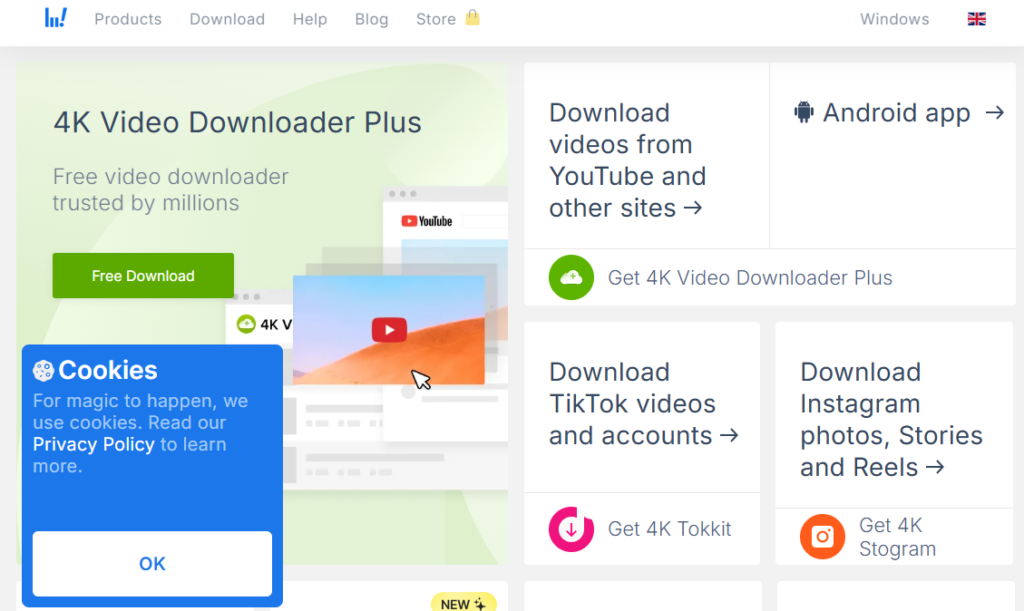
4K Video Downloader+ is the follow-up to the now defunct 4K Video Downloader. It is a Windows, macOS and Ubuntu application that provides a very simple desktop application for acquiring high-resolutions downloads from YouTube, and it allows resolutions up to 8K when available.
The software also supports playlists, channels, search results, and subtitle downloads. Its Smart Mode saves preferred quality and format settings for faster repeat downloads. Overall, it suits users who want high-resolution downloading without dealing with command-line tools or complex configuration.
Key features
- Resolutions up to 4K and 8K in MP4 and MKV, plus MP3/M4A/OGG audio extraction
- Playlist, channel, and search-result batch downloading
- Built-in browser for logging into accounts to access private content
- Subtitle and 360°/VR video download support
- Smart Mode for one-click repeat downloads
Pros
- Clean, beginner-friendly interface
- Strong playlist and channel batch support
- Genuinely useful free tier with a 30-per-day download limit
- Cross-platform, including native Ubuntu support
Cons
- Full feature set requires a paid Lite, Personal, or Pro license
- HQ audio extraction needs a linked YouTube Premium account
- Lifetime licenses from the discontinued original app did not automatically carry over
- Site compatibility is limited mostly to major platforms
Pricing: Free version available; paid plans are available with pricing depending on the selected product or licence.
4. Any Video Converter – Best for Format Flexibility
Ratings: 4.3/5
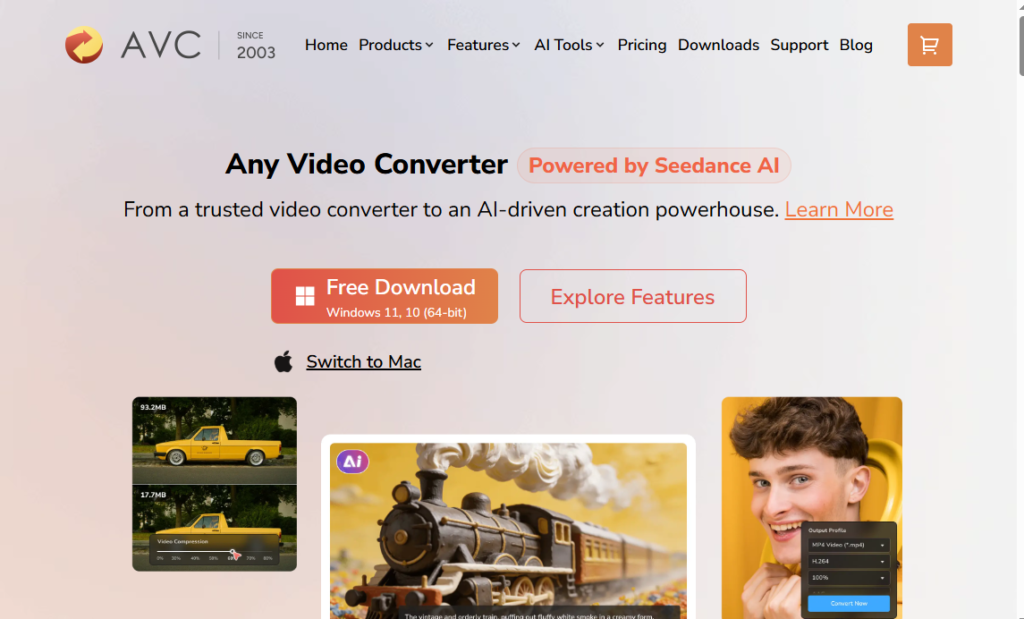
Any Video Converter is known in the video format converter software business for its longevity, having launched in 2006. The free version of Any Video Converter includes downloading videos along with conversion into formats such as MP4, AVI, MOV, and WMV, among others.
The software contains rudimentary video editing options such as cutting and joining, along with features to rip CDs and burn DVDs. The free version has basic conversion options but without watermarks and restrictions on file sizes, whereas Pro and Ultimate versions have more advanced downloading and recording capabilities.
Key features
- URL-based downloading combined with full format conversion in one app
- 100+ input formats and device-specific output presets
- Batch conversion with no watermark or file-size limit on the free tier
- Basic trimming, merging, and editing tools
- Optional AI upscaling and DVD/Blu-ray tools in paid tiers
Pros
- Free tier is unusually complete for a “freeware” product
- Very broad format compatibility
- Clear, uncluttered interface for beginners
- Windows and macOS support
Cons
- Advanced download presets and AI tools are paywalled
- Occasional prompts to upgrade during free use
- Interface feels dated compared to newer competitors
- No native Linux build
Pricing:
- Any Video Converter Ultimate: Starting at $29.95
- Any Video Converter Pro: Starting at $19.95
- Any Audio Converter: Starting at $14.95
- Any Audio Converter One: Starting at $29.95
5. ClipGrab – Best for Quick MP4 and MP3 Conversion
Ratings: 3.5/5
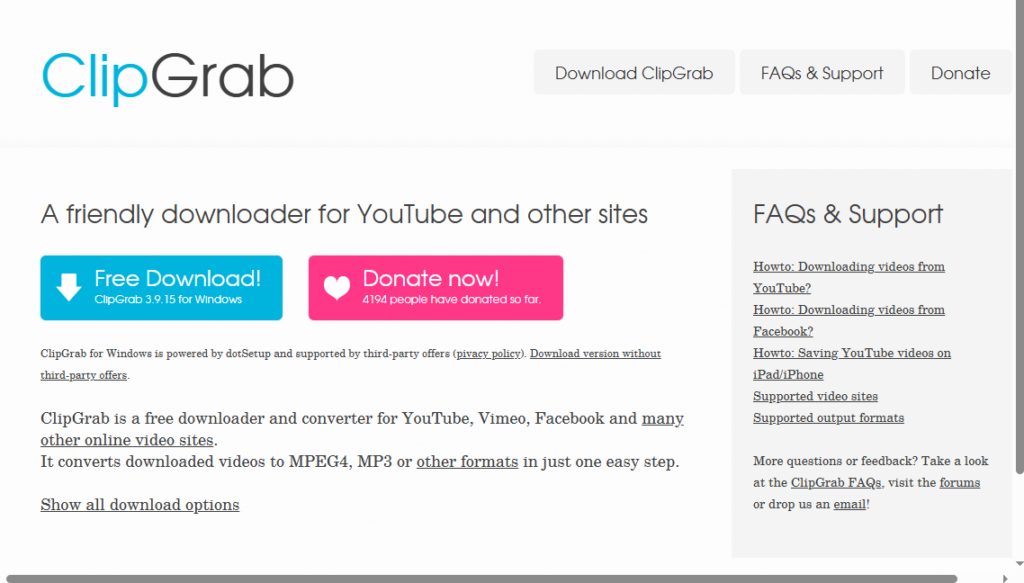
ClipGrab is a straightforward program which enables one to convert YouTube videos to MP3 and is available on Windows, Mac, and Linux. ClipGrab’s simple process involves just pasting the video URL, selecting whether you want MPEG4 or MP3, then downloading.
However, its reliability can vary as YouTube frequently changes its streaming systems. Some users may encounter URL recognition problems or corrupted downloads. ClipGrab remains open source, but downloading it from the official website is recommended to reduce security risks.
Key features
- One-step download-and-convert workflow to MPEG4, MP3, WMV, and OGG formats
- Cross-platform support (Windows, macOS, Linux)
- Resolution selection up to higher-definition sources when available
- Simple built-in search for finding videos without leaving the app
- Open-source codebase available for review
Pros
- Free and simple enough for complete beginners
- No account or sign-up required
- Cross-platform availability
- Open-source, auditable code
Cons
- Reliability has declined against fast-changing YouTube protocols in 2026
- Slower update cycle than actively maintained alternatives
- Some installer mirrors have triggered antivirus/PUP warnings
- Smaller format list than newer converters
Pricing:
- ClipGrab: Free (100%)
- Optional donations: €10, €20, €50, or a custom.
6. Y2Mate — Best Browser-Based Option
Ratings: 3.0/5
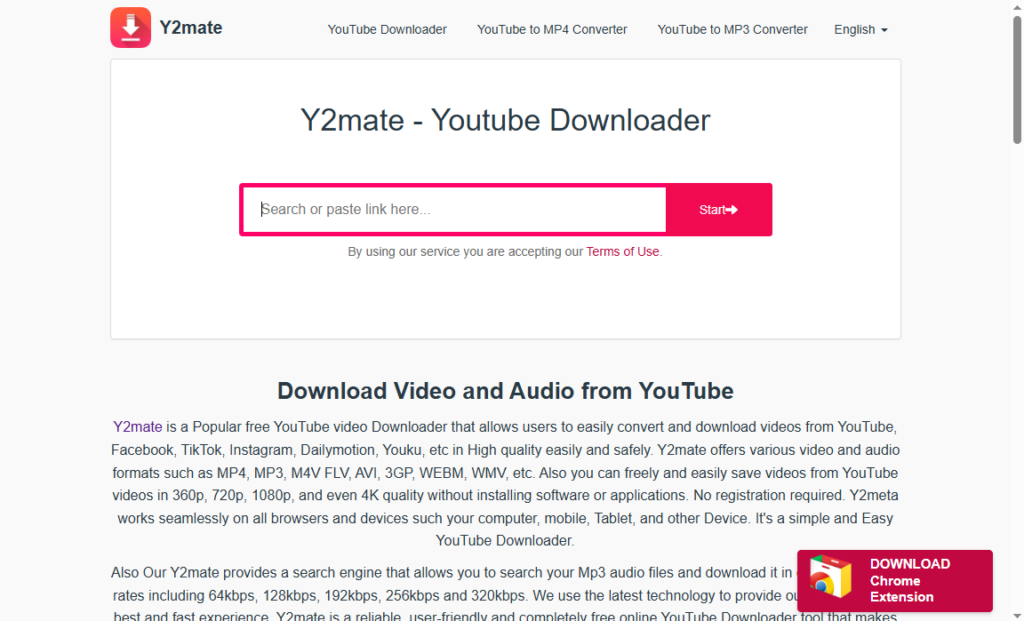
Y2Mate is a web application which enables users to transform the YouTube link into different formats like MP4 and MP3 formats without requiring any kind of software installation or even making any user accounts. The process is quite easy in which users need to paste the link.
However, one needs to exercise caution in 2026. The original domain of Y2Mate.com was closed down because of enforcement of copyrights, and therefore present day Y2Mate branded websites might not be authentic ones. The online converter websites also have pop-ups and redirects, and so no personal data should be entered.
Key features
- No-install, browser-based online video converter workflow
- MP4 and MP3 output with selectable quality/resolution
- No account or sign-up required
- Works across desktop and mobile browsers
- Fast for single, occasional conversions
Pros
- Zero installation, works from any browser
- Genuinely fast for one-off conversions
- No registration required
- Free to use
Cons
- Original domain was shut down; current mirrors are unverified
- Heavy ad load and frequent redirects on many mirror sites
- No batch or playlist support
- Regionally blocked or inconsistent in some countries
Pricing:
- Y2Mate: Free to use
- Pricing: No paid plan or subscription pricing is clearly listed on the provided website.
Which Converter Fits Your Workflow?
For occasional downloads, Open Video Downloader or Any Video Converter’s free tier can be suitable. For 4K and 8K content, consider 4K Video Downloader+ or yt-dlp, while playlists are better handled by yt-dlp, 4K Video Downloader+, or Open Video Downloader.
Any Video Converter provides a good post download editing tool with trimming and merging. Advanced users can use yt-dlp for controlling formats, whereas beginners should use ClipGrab or Open Video Downloader.
Online Converter or Desktop Tool: Which Makes More Sense?
Desktop tools usually provide better output quality, processing speed, and batch conversion because they process files locally. They also offer advanced controls for bitrate, codecs, subtitles, and formats while keeping files and URLs away from third-party servers, which can improve privacy.
Online converters are more accessible since there is no need for an installation process and they are functional on any device. Nevertheless, they are limited in terms of file size, quality, advertisement, and privacy, which makes them good only for occasional use.
Getting Better Results From YouTube Conversion
Consider your resolution according to your intended use. To a smartphone or a laptop, 1080p is enough, but for bigger screen or for redundancy, 4 K or 8 K should be used. The video should be encoded in MP4 format, as it is compatible with most of the programs. The bitrate and the size of the file must be considered to avoid to use too much storage space.
If you’re also looking to increase your video’s reach after publishing, improving YouTube impressions can help more viewers discover your content. Check out our guide on how to boost YouTube impressions for practical strategies.
If the video and audio come as separate streams, make sure they’re merged properly before saving the final file. It’s also worth checking the video once before you start editing, especially if you plan to make further changes using video editing software.
Safety Checks Before Using a YouTube Converter
While using free YouTube converters, one should be careful. One should avoid downloading from links with many pop-ups, fake download buttons, and numerous redirections because it may indicate that it is a suspicious site. One should install software from the official page of the project/repository and not from any mirror site. While installing software, one should deny permissions to bundled software.
It is advisable for you to use converters that need you to provide no additional information such as emails, contact information, or even payment information. The above tips will help reduce the chances of getting intrusive ads and malware.
Copyright and Responsible Use
The downloading of video clips that you either own or have legal right to use will always be the safest way out. Before making any kind of conversions, consider the rights of the content owner as well as the copyright restrictions involved.
For legal offline viewing, one should opt for services like YouTube Premium from YouTube. The converted videos should be used responsibly and without any redistribution.
Common Problems With YouTube Converter Tools
- Conversion failure – usually caused by YouTube player changes the tool hasn’t caught up with yet
- Poor video quality – often from selecting a video-only stream without merging in the highest-bitrate audio
- Missing audio – a common symptom of incomplete stream merging
- Unsupported formats – some tools lag behind newer codecs like AV1
- Slow processing – heavier on online converters during high-traffic periods
- Download interruptions – more common on ad-heavy browser tools than desktop apps
Final Verdict
There is no one perfect YouTube video converter that suits everybody. You will have to choose a particular program based on your level of technical experience, how often you will use it, and if batch conversions are what you want. People who like to have complete control will go with yt-dlp, while Open Video Downloader will suit you better.
Whatever you opt for, make sure you get your software from reliable sources and follow all the installation instructions. Always observe copyright regulations when converting content that is not yours.
Frequently Asked Questions
What is the best YouTube converter in 2026?
Yt-dlp can be considered the most efficient choice for most people, while 4K Video Downloader + should be your choice if you are looking for a complete GUI program.
Which YouTube converter supports 4K or 8K?
yt-dlp, 4K Video Downloader+, and ClipGrab all support up to 4K or 8K output when the source video is available in that resolution.
What is the best free YouTube video converter?
yt-dlp and Open Video Downloader are both completely free with no paid tiers, making them the strongest free options overall.
Are online YouTube converters safe?
They vary widely. Browser-based tools like Y2Mate can work for quick, occasional use, but expect ads and redirects, and be cautious of mirror domains especially since the original Y2mate.com was shut down by copyright enforcement in late 2025.
Which converter is best for downloading multiple videos?
Since yt-dlp, 4K Video Downloader+, and Open Video Downloader offer batch and playlist download capabilities, they are the best software options for multiple video downloads.