 Mayur Bhatasana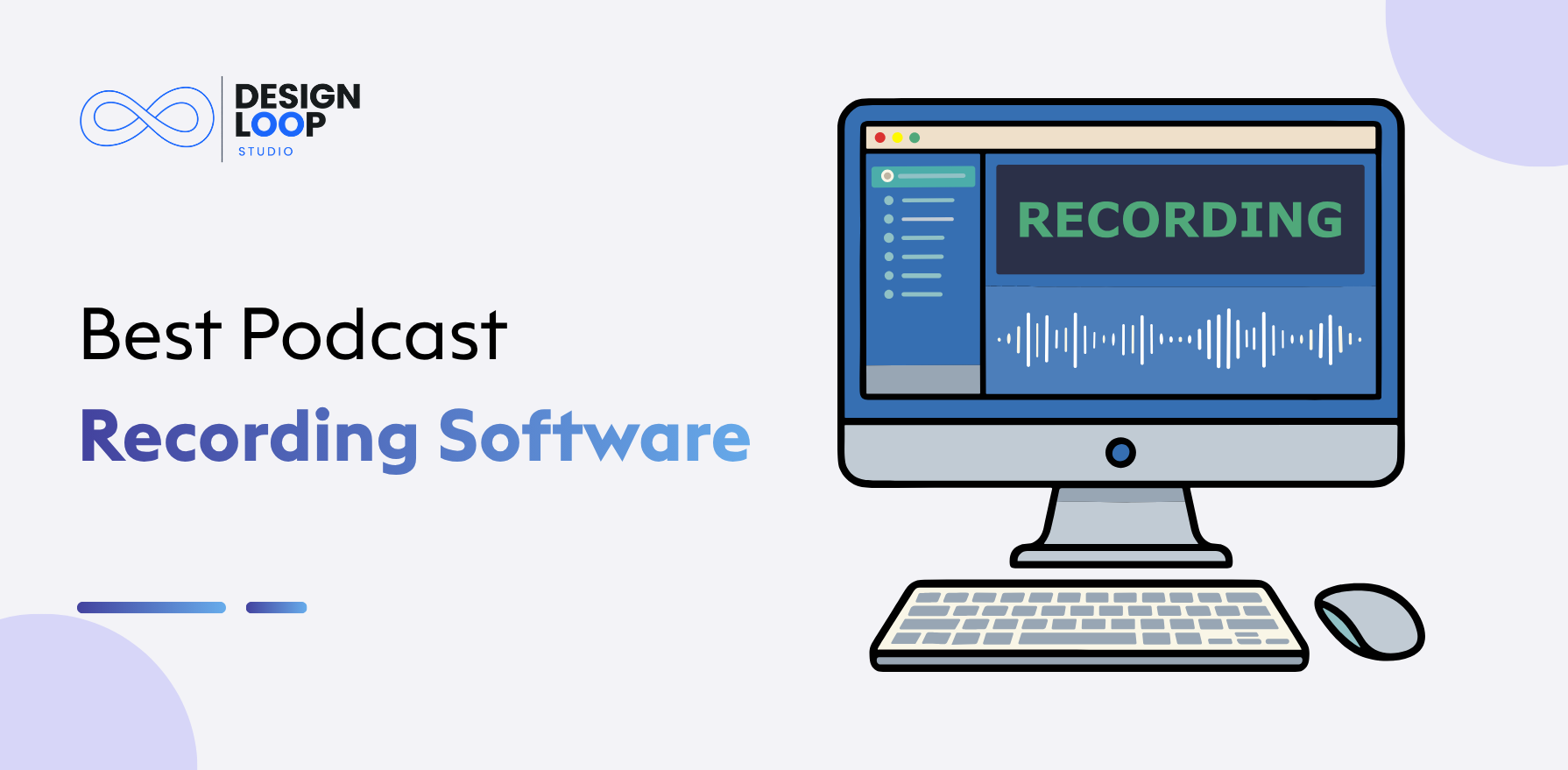
Launching a podcast in The Current Year couldn’t be easier, but choosing the right podcast recording software is a minefield. While every app offers studio quality sound, remote recording with guests, and smart AI editing, you’d be forgiven for finding it difficult to know the difference between an average program and a good one. Whether you’re recording alone at your desk or hosting guests across multiple continents, the right software influences your entire production process.
Quick Overview
These recording tools suit different creator needs: Riverside excels at high-quality remote recording, Zencastr offers a browser-based option, Waveroom keeps remote recording simple, Audacity provides free audio editing, GarageBand works well across Mac and iOS, while Descript simplifies editing through transcripts.
Top 3 Picks at a Glance
| Rank | Tool | Best For | Starting Price |
| 1 | Riverside | Remote interviews with 4K video | Free plan; Pro from $24/month (billed annually) |
| 2 | Zencastr | Browser-based recording, no downloads | Free plan; Professional from $20/month |
| 3 | Descript | Editing a podcast like a Word document | Free plan; Creator from $24/month (billed annually) |
Podcast Recording Software: What It Does
In essence, podcast recording software allows you to record clear audio and video, either on your own in a room or bringing in guests from anywhere in the world. The majority of tools in this market feature local audio/video recording, remote guest audio/video capturing, multitrack recording so each participant gets their own separate file, built-in audio editing, video recording for YouTube and more and more transcript-based editing allowing you to cut a recording by editing a text transcript instead of a waveform.
Why Podcasters Use Recording Software
Podcasters use dedicated recording tools rather than just using a run-of-the-mill video calling app because it impacts how your finished product sounds to your listeners. It’s a great piece of software that allows you to record remote podcast recording interviews with better quality than just a call, record remote podcast interviews reliably when someone’s Wi-Fi drops during a sentence, and reduce the lag that kills a good conversation.
It’s also the reason you get multiple tracks to edit separately instead of trying to fix that weird echo from that one guest through the entire file, and the reason you can do both audio and video podcasts without having to do everything in multiple apps.
How We Compared These Podcast Recording Tools
When creating this list, we considered each platform based on the following parameters: quality of the audio recordings, ability to record video, ability to record locally (so a poor internet connection doesn’t affect the recording), ability to add guests remotely, in-built editing tools, support for multitrack recording, ease of use for non-technical guests to join, integrations with podcasting tools and platforms, and pricing (free plan or free trial).
We also looked at independent review sites, official pricing pages and search results to update the information in this guide for 2026.
Best Podcast Recording Software Compared
| Tool | Rating | Best For | Key Features | Starting Price | Free Trial/Plan |
| Riverside | 4.6/5 | Remote interviews, 4K video | Local recording, separate tracks, AI editing, Magic Clips | $24/month (annual) | Free plan (2 hrs, 720p) |
| Zencastr | 4.5/5 | Browser-based recording | No downloads, local recording, hosting, analytics | $20/month | Free Hobbyist plan |
| Waveroom | 4.3/5 | Simple guest recording | Multitrack, AI noise removal, one-click invite links | $9/month | Free plan |
| Audacity | 4.5/5 | Free audio editing | Multitrack editor, noise reduction, plugin support | Free | Free forever |
| Descript | 4.6/5 | Transcript-based editing | Text-based editing, filler word removal, Studio Sound | $24/month (annual) | Free plan (limited minutes) |
1. Riverside
Rating: 4.6/5
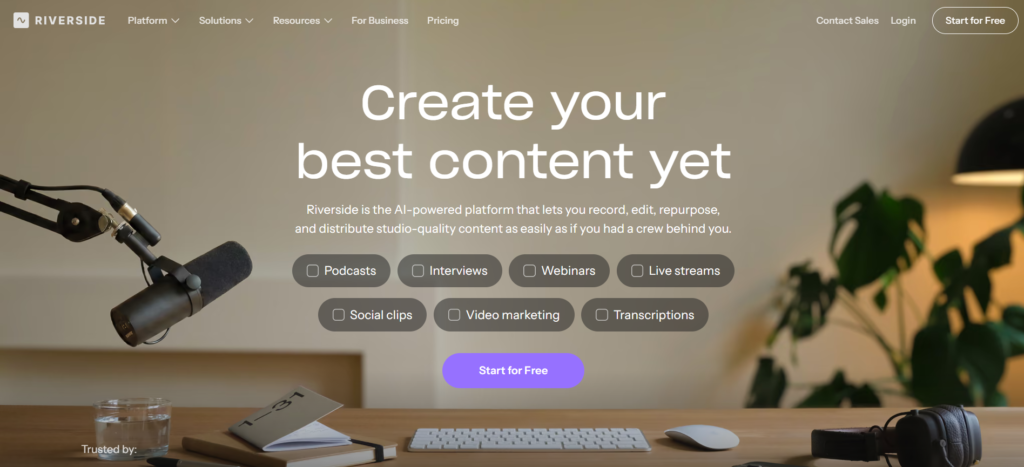
Without a doubt, at the moment, Riverside has become one of the most discussed and used names in remote podcast recording. The tool records every participant’s audio and video locally on their own machine before uploading it-so the final clips stay broadcast-quality even if someone has a dodgy connection mid call.
It’s very popular with podcast hosts, media teams and business owners who want good remote interviews without setting up a studio.
Key Features:
- Local recording that protects quality from internet drops
- Up to 4K video and studio-quality audio
- AI-powered Magic Clips and Magic Audio enhancement
- Text-based transcript editing
- Built-in analytics and multistreaming on higher plans
Pros:
- Excellent audio and video quality even on unstable connections
- Guests join through a browser link with no installation
- Strong AI editing tools save post-production time
- Scales from solo podcasters to enterprise teams
Cons:
- Free plan is limited to 2 hours with a watermark
- Pricing rises quickly once you add live streaming or webinar features
- Occasional browser compatibility issues reported by users
Pricing:
- Pro: $12/month
- Grow: $16/month
- Webinar: $39/month
- Business: Contact Sales for pricing
2. Zencastr
Rating: 4.5/5
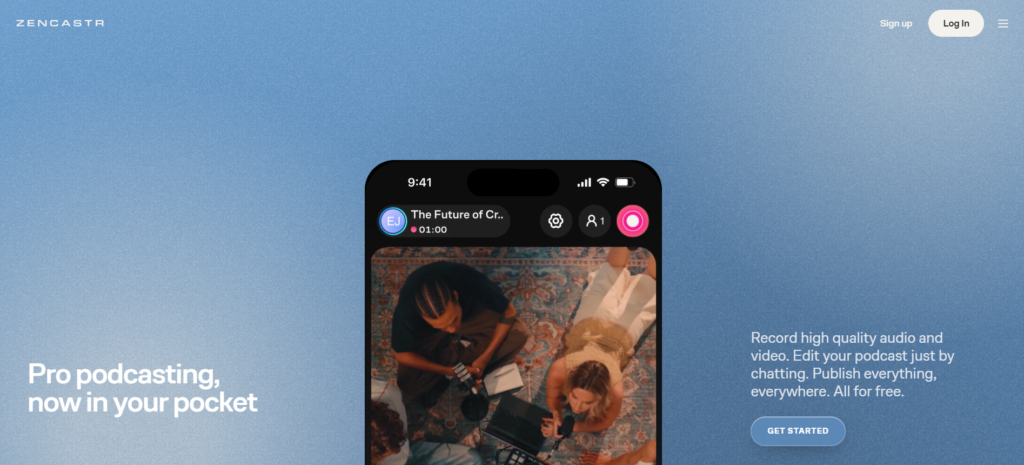
Zencastr is one of the more time tested browser-based recording software that podcasters use, and it does not need your guests to download anything. All you need to do is send them a link, and Zencastr will record each participant locally in high quality for both audio and video. Zencastr is used by hosts who want a single service that not only records but also hosts and distributes your show.
Zencastr provides additional post-production features such as noise reduction and normalisation of loudness that produce a professional-sounding episode without the need for another editing app.
Key Features:
- No-download, browser-based recording for guests
- Local recording with separate audio and video tracks
- Built-in post-production and noise cleanup tools
- Podcast hosting and distribution included
- Google Drive and Dropbox integrations
Pros:
- Very easy for non technical guests to join
- Combines recording, editing, and hosting in one platform
- Competitive pricing compared to similar tools
- Reliable local recording even with weak internet
Cons:
- No permanent free plan for full features
- Some advanced features locked behind higher tiers
- Interface can feel busy for first-time users
Pricing:
Official pricing is not clearly listed for Zencastr’s current plans. The platform offers free recording options, while advanced features and enterprise solutions may vary. Businesses requiring additional capabilities can contact Zencastr for customised pricing and plan details.
3. Waveroom
Rating: 4.3/5
Waveroom is a very simple, browser-based recording studio aimed at podcasters who just want an easy solution that isn’t complex to use. It records individual audio and video tracks for up to five people at once, and the fact that it records locally means that it can produce high quality audio even if one of your guests is having issues with bandwidth. Great for beginners or small groups looking for something as simple as an interview recorder.
Key Features:
- Multitrack recording with individual downloads per speaker
- AI noise removal for cleaner audio
- One-click invite links for up to five guests
- Local recording for connection reliability
- Secure cloud storage and backups
Pros:
- Very beginner-friendly interface
- Affordable entry-level pricing
- Reliable recording quality on slow connections
- No installation needed for guests
Cons:
- Fewer advanced editing tools than competitors
- Limited to five participants per session
- Smaller feature set compared to Riverside or Descript
Pricing:
Waveroom offers its remote recording service for free, with support for up to five participants. Enterprise plans with higher participant capacity are available through custom pricing.
4. Audacity
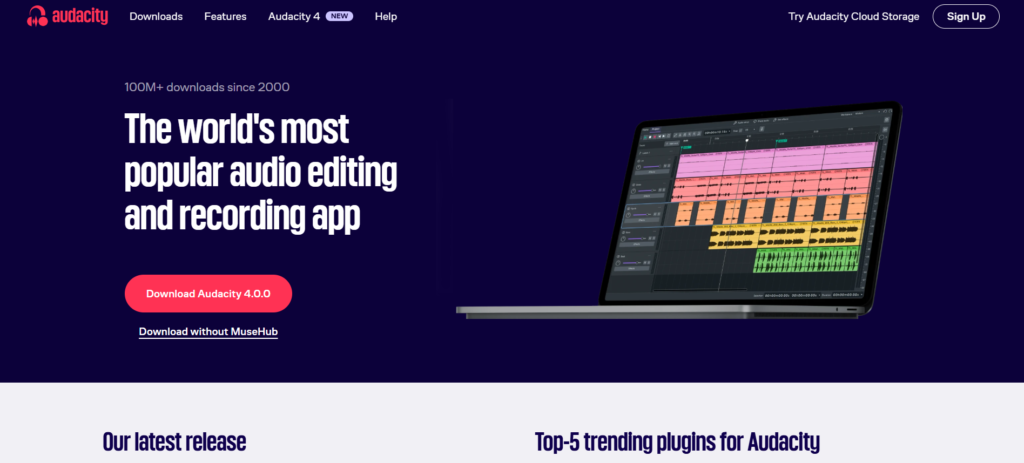
No matter what we have tried, nothing has come close to the free podcast recording software that is Audacity. It is a full-featured, open source, multitrack audio editor that is available for download on your choice of a Windows, Mac, or Linux operating system. Over the years, it has been used by podcasters, musicians and voice-over artists alike.
As open-source software, Audacity has a broad selection of third-party plugins and effects, providing experienced users more freedom in choosing their own way of working. It has noise reduction, equalisation, and several optional AI-powered add-ons, such as transcribing speech to text and removing vocals.
Key Features:
- Open source multitrack audio editor that is completely free
- WAV, MP3, FLAC, AIFF and other formats supported
- Built-in noise reduction and equalization effects
- Local Whisper AI transcription with no subscription
- Wide plugin support for advanced customisation
Pros:
- Zero cost with no feature restrictions
- Available on Windows, Mac, and Linux
- Large community and plenty of tutorials
- Great for detailed local audio editing
Cons:
- No built-in remote guest recording
- Interface feels outdated for beginners
- Steeper learning curve for advanced features
- No video recording support
Pricing:
The program itself is free to download and use. There are no paid plans or subscriptions.
5. Descript
Rating: 4.6/5
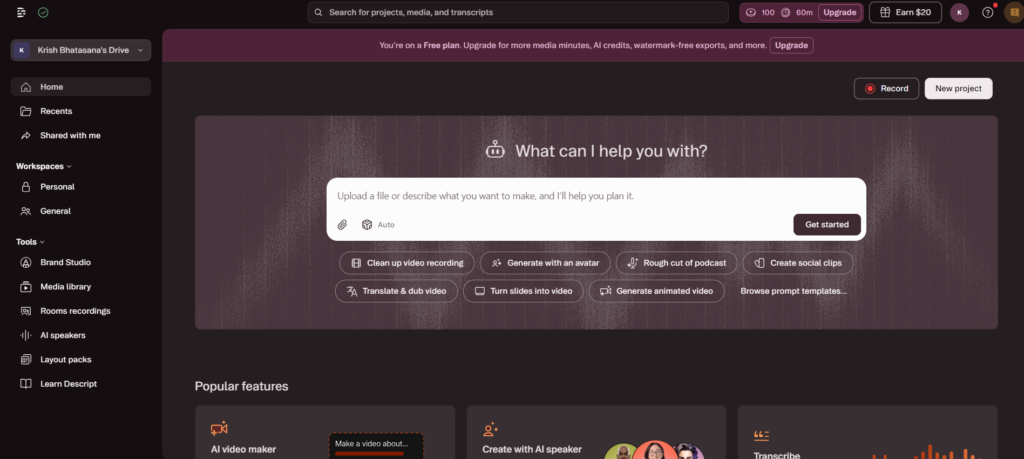
Descript has revolutionised editing for so many creators by giving you an easy way to cut audio and video by editing a transcript. This podcast editing software will transcribe your audio automatically and remove the media when you cut out a word or paragraph in the transcript. This tool is widely used by podcasters, YouTubers, and marketing agencies that don’t want to go through the timeline editing process.
Descript offers some fantastic AI features such as removing filler words, Studio Sound for cleaning up rough audio and Overdub that can create AI voice to fix minor errors without re-recording. While it wasn’t initially built as a live remote recording platform, its editing suite is going to make post-production so much quicker for anyone with long interview recordings.
Key Features:
- Edit audio and video by editing the transcript
- Automatic transcription in over 20 languages
- One-click filler word and silence removal
- Studio Sound AI audio enhancement
- Overdub AI voice correction tool
Pros:
- Cuts editing time significantly for spoken content
- Very beginner-friendly editing workflow
- Strong AI features for cleanup and polish
- Useful for both podcasts and video content
Cons:
- Credit-based AI system can run out quickly
- Free plan has limited transcription minutes
- Pricing climbs fast on higher tiers
- Not primarily built for live remote recording
Pricing:
- Hobbyist: $16/month
- Creator: $24/month
- Business: $50/person/month
- Enterprise: Custom pricing
Best Podcast Recording Tool by Use Case
Each podcaster has a different focus so here’s a quick summary based on needs: Riverside is perfect for remote interviews when video quality is important, Zencastr is the best choice if you want a browser-based recorder with hosting included, Waveroom is a good option if you’re a creator looking for the easiest possible guest recording setup, Audacity is the no-nonsense free podcast recording software that works without a hitch, GarageBand is a good option for Apple users who already have it available on their computer, and Descript is the right choice when speed is the main factor and transcript-based editing instead of live remote calls.
Features to Check Before Recording
To make an informed decision, it is worth to look out for certain specifications such as local recording (avoiding ruined quality through a bad connection), separate audio tracks for each speak, high res video quality for YouTube publishing the same standard most video editing software targets built in noise reduction, multitrack editing options, ease of inviting guests, if it has automatic transcription, whether it has cloud storage for your recordings, and what export formats are supported for your platform.
Remote Podcast Recording vs Local Recording
Knowing the distinction between remote recording and local recording is actually more significant for most beginners than you might initially imagine. When capturing with remote recording solutions like Zoom, your internet bandwidth directly impacts audio and video quality-lag or dropout in the digital connection results in playback issues.
Local track recording is less sensitive to this issue because everyone receives independent audio and video on their own machine first. This has a direct effect on your guest accessibility.
Podcast Recording Software Pricing
Pricing here is all over the place depending on what you’re looking for. There are truly free recording solutions like Audacity and GarageBand that are no cost to use at all regardless of how much you use it; meanwhile, most cloud solutions have a free tier with a limited number of hours or resolution for users to give the product a trial run.
From there, subscription creator plans tend to be between nine and thirty-five dollars a month depending on whether you’re getting 4K video or AI editing tools. Other options include a per-user fee for team accounts, a studio plan for more intense production schedules, and custom enterprise pricing for larger media outlets.
How to Choose Podcast Recording Software
First, think about whether you’re only going to need audio or full video podcast recording capability because this will significantly whittle down your choices. Second, consider your remote recording needs. If most of your guests will be phoning in from different locations, then look for tools with good local recording and easy-to-join sessions.
Test the quality of the audio recordings and consider if you’re going to require editing or whether the editing tool is up to the job.
Think about how user friendly the platform will be for your less technical, more non-geeky guests and check out the export options it provides for your hosting platform. Finally, compare the price you get to pay for the services with how frequently you will really be recording.
Podcast Recording Trends in 2026
The world of podcasting is always changing, and some of the trends in it this year include-and I cannot believe I am saying this-AI-assisted editing, which is no longer a bonus feature; it is a requirement. It has become standard practice to automatically eliminate filler words and noise from recordings.
Automatic transcription is now included by default, and text-based editing (cutting a video by editing words on a page) has gone from niche to mainstream. High-quality remote recording improves every day with better local recording architecture; AI noise removal improves with every update, and More than one automated workflow is underway to generate show notes or social clips, feeding into the same video content management systems many teams already use to organize that output.
Final Verdict
In reality, there’s no one “best” tool for all podcasters-just the right one for your needs, whether it’s remote recording, video, or absolutely free. For remote interviews, try Riverside or Zencastr to see if either will suit your needs before you commit. If you have a Mac and are just getting started, GarageBand is free and does the trick. And if editing quickly and easily is paramount, Descript’s transcribe editing system is tough to beat.
FAQs
1. What is the best software for recording a podcast
Most people believe Riverside would be the best overall solution for podcast recording in The Current Year because it offers Local recording, remote support for guests, and AI assisted editing.
2. What is the best free podcast recording software?
For free audio only recording and editing, Audacity is the best free choice, whereas for Mac and iOS users wanting multitrack recording on the device itself, GarageBand is the best free choice.
3. Which software is best for remote podcast interviews
Riverside and Zencastr both do an excellent job of hosting remote podcast interviews because they record each participant’s audio and video locally. This feature ensures the sound quality remains intact if someone’s internet connection happens to glitch.
4. Is Riverside better than traditional recording software?
Riverside is better than a normal recording setup such as Zoom because it records local, high quality tracks for each person, but Audacity is still a good free editing tool for local audio editing.
5. Can I record a podcast without professional equipment?
Yes, Several podcasters begin with an average USB mic and free programs such as Audacity and GarageBand, and then they will begin investing in higher quality equipment as their show increases in popularity.