 Mayur Bhatasana
The move towards video as the standard form of training requires more from organizations than merely a place to store files. A true video content management system manages, protects and analyzes video at scale in ways that ordinary cloud storage was never designed to do.
We compared the leading video CMS platforms of 2026 on features, pricing, and real user ratings to help you find the right fit for your team.
Quick Answer
Marketing and lead generation should use Wistia, while Panopto is best for education and training within enterprises. The right fit for enterprise streaming and monetization is Brightcove, and Vimeo is great for creators and teamwork. Microsoft Stream is highly recommended for Microsoft 365 businesses and video libraries.
Kaltura and Panopto both provide excellent enterprise grade video search, collaboration, security and analytics, whereas Wistia and Vimeo excel in marketing-related analytics. Wistia, Vimeo, and Brightcove make ideal options for your external video content.
Top 3 Picks at a Glance
| Rank | Platform | Best For |
| 1 | Wistia | Marketing teams that need lead generation baked into video |
| 2 | Panopto | Education and enterprise teams managing large training libraries |
| 3 | Kaltura | Organisations that need a fully customisable video workflow |
What Is a Video Content Management System?
Video Content Management System (VCMS) is used by organizations to organize, protect, distribute, and analyze video content in addition to just storing it. Different from normal cloud storage, it has the ability to index both audio and visual content.
Aspects like tagging, categorization, transcriptions, and channels help organize large video libraries. Permissions enable control on who can view, edit, or share the material, and live streaming and on-demand functionalities help webinars and recorded videos join the same searchable video library.
6 Best Video Content Management Systems Compared
| Platform | Rating | Best For | Key Strength | Starting Price | Free Trial/Plan |
| Wistia | 4.5/5 | Video marketing & lead generation | In-video CTAs and lead capture | $79/mo (Business) | Yes, free plan |
| Panopto | 4.3/5 | Enterprise and education | Deep video search & LMS integration | Custom pricing | No free plan |
| Brightcove | 4.0/5 | Enterprise streaming & monetisation | Scalable OTT and broadcast-grade delivery | Custom pricing | Contact sales |
| Kaltura | 4.3/5 | Custom video workflows | Open, highly configurable video platform | Custom pricing | Yes, free tier available |
| Vimeo | 4.3/5 | Creators & team collaboration | Clean player, review tools, easy sharing | $12/user/mo (Starter) | Yes, free plan |
| Microsoft Stream | 4.2/5 | Microsoft 365 businesses | Native Teams/SharePoint integration | Included with Microsoft 365 | N/A |
1. Wistia
Rating: 4.5/5 (G2)
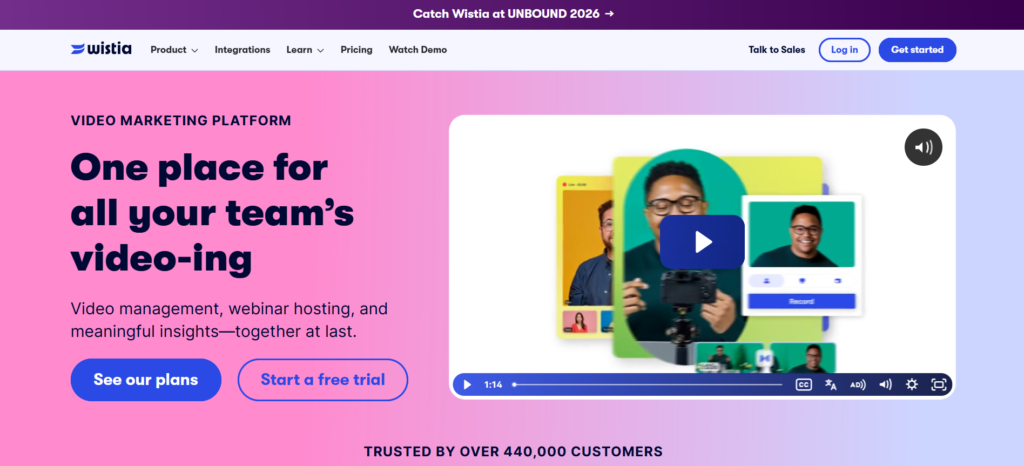
Wistia is a video hosting platform designed especially for marketers who use videos as a tool to move prospects through the sales process rather than as an element on their site. Marketers repurposing the same clip for YouTube often lean on video converter tools to get the format right first. In addition to hosting videos, this platform provides CTAs within videos, lead capture forms, and heatmaps showing where viewers stopped watching.
Wistia will be a good choice for businesses engaged in B2B marketing and content whose primary goal is the analysis of video engagement data in their CRM system. The business + lead generation level of its services links viewer behavior to tools like Hubspot and Marketo for qualified lead generation from video views.
Key Features
- In-video lead capture forms and calls-to-action
- Heatmap and audience retention analytics
- Modifiable, customised video player
- Integrations with marketing automation software (HubSpot, Marketo, Pardot)
- A/B testing of video thumbnails and content
Pros
- Excellent lead-gen and marketing analytics out of the box
- Clean, highly customisable player experience
- Easy to embed videos into websites and landing pages
- Strong customer support and documentation
Cons
- Storage-based pricing means costs rise quickly with large libraries
- Automation Suite and webinar tools are priced as separate add-ons
- Less suited to large internal training catalogues
- No refunds on annual commitments
Pricing
- Free: $0/month
- Business: $79/month
- Business + Lead Gen: $329/month
- Enterprise: Custom pricing
2. Panopto
Rating: 4.3/5 (G2)
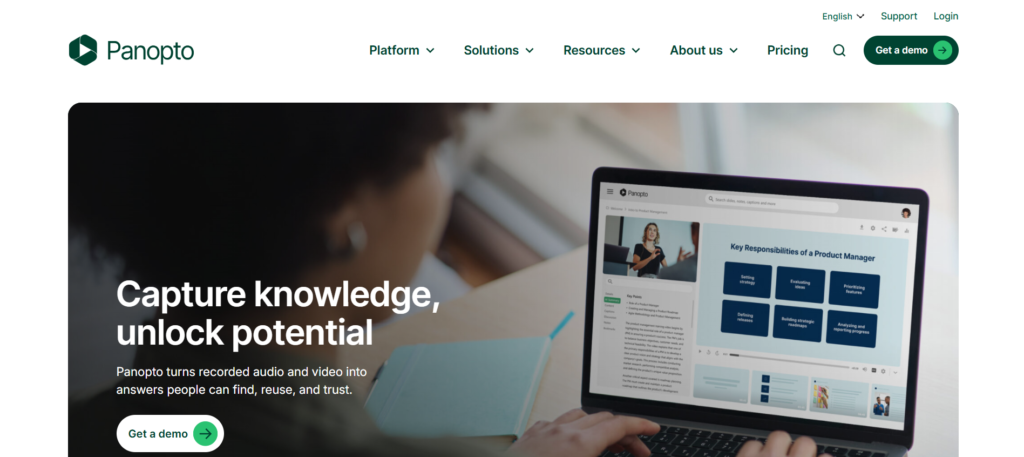
Panopto is tailored for organisations which handle huge amounts of recorded lecture and training videos, internal presentations, etc. The most unique thing about Panopto is searching through videos – Panopto indexes the speech of the speaker, slide content, screen text, and therefore one can use a phrase to find something inside any video from the library.
Panopto is a highly popular solution in the higher education industry and enterprises due to its strong learning management system integration and highly granulated access controls.
Key Features
- Video Search Within Transcripts, Slides, and Screen Texts
- Deep integration with major LMS platforms (Canvas, Blackboard, Moodle)
- Granular, folder-level permissions and SSO support
- Automatic lecture and meeting capture
- Video quizzing and engagement analytics for training content
Pros
- Best-in-class search inside video content
- Strong fit for compliance-heavy training and education use cases
- Reliable large-scale video capture and lecture recording tools
- Highly rated for ease of use and admin support
Cons
- No published self-serve pricing, requiring a sales conversation
- No free plan or trial available
- Less focused on public-facing marketing use cases
- Can feel feature-heavy for small teams with simple needs
Pricing
Panopto uses custom, quote-based pricing tailored to user count, storage, and features required. There is not any known initial cost or free trial period.
3. Brightcove
Rating: 4.0/5 (G2)
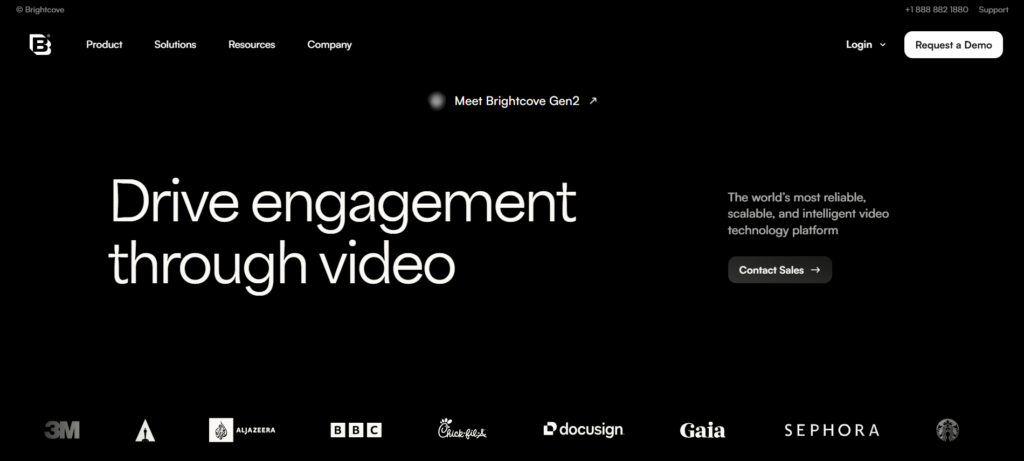
The Brightcove software suite is targeted towards organizations that require broadcast-quality video distribution on a grand scale such as media organizations, publishing firms, and large businesses with public video streaming operations. It comes with an array of functions that include delivery of OTT applications, video insertion as well as monetization techniques that surpass those available from other marketing-oriented platforms. The main feature of Brightcove is scalability.
Key Features
- OTT and broadcast-grade video delivery
- Advertising insertion and monetisation tools
- Scalable live streaming for large public audiences
- Advanced analytics and audience insights
- Extensive API and integration ecosystem
Pros
- Handles very high-volume public streaming reliably
- Strong monetisation and advertising tooling
- Broad enterprise integration and API support
- Well-suited to media and publishing use cases
Cons
- Pricing is entirely custom, with no published starting point
- Steeper learning curve than marketing-focused platforms
- Can be costlier than competitors for teams that don’t need broadcast-scale delivery
- Implementation and onboarding typically take longer
Pricing
Pricing for Brightcove is custom-quoted on a usage basis and generally requires sales consultation. Published independent estimates show that Brightcove is usually pricier than its competitors in the enterprise segment, such as Panopto and Kaltura, per user.
4. Kaltura

Rating: 4.3/5 (G2)
Kaltura provides an adaptable video experience cloud solution and not a fixed one. Kaltura solutions can be used for virtual classroom, town hall, webinar, and cloud TV services. The organization can be flexible with the modules and choose what fits its workflow best.
The openness of Kaltura stands out as its most distinguishing feature since it is based on open-source technology and therefore appeals to companies that have the development capacity to build on their video experience without being constrained by any set template.
Key Features
- Modular platform covering webinars, virtual classrooms, and video asset management
- Open, API-first architecture for deep customisation
- Live, real-time, and on-demand streaming in one platform
- Agentic AI tools for video creation and interactive avatars
- Strong compliance and permissions controls for enterprise use
Pros
- Highly flexible and customisable for complex video ecosystems
- Broad feature set spanning events, learning, and asset management
- Strong choice for organisations with existing technical/dev resources
- Free tier available for smaller-scale testing
Cons
- Pricing isn’t publicly listed, requiring direct engagement with sales
- Flexibility can mean a steeper setup and configuration curve
- May be more platform than smaller teams actually need
- Support quality varies by plan and contract tier
Pricing
The Kaltura pricing is based on individual requirements of the solutions being selected (such as video portal, webinars, virtual events, etc.). There is a free version for those with small-scale needs; the price quote can be provided by Kaltura’s sales team only.
5. Vime
Rating: 4.3/5 (G2)
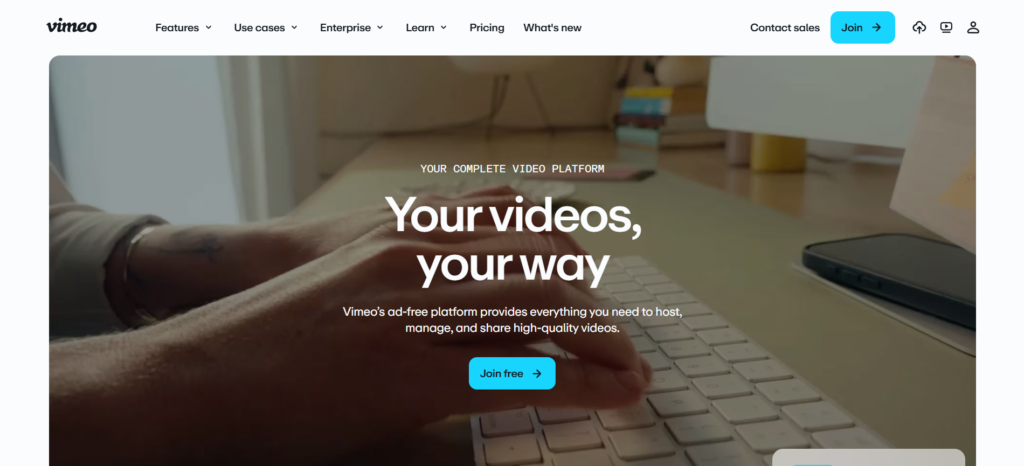
The Vimeo player is renowned to be extremely simplistic, and there are no advertisements in it at all.Vimeo has developed into a complete video collaboration and hosting service for creators, small businesses, and marketers. The review and approval feature of Vimeo is very popular among the creative teams since it helps gather timestamped reviews.
The Vimeo pricing plans have made it possible for people to use the service without contacting a sales rep. There are multiple per-seat pricing plans available.
Key Features
- Clean, customisable, ad-free video player
- Built-in review and approval tools with timestamped comments
- Privacy controls, including domain and password restrictions
- Native live streaming and webinar tools on higher tiers
- AI-powered tools for video search, editing, and translation
Pros
- Intuitive interface that’s easy for non-technical users to adopt
- Strong review/collaboration workflow for creative teams
- Transparent, self-serve pricing without needing a sales call
- Good analytics and privacy controls across paid tiers
Cons
- 2 TB monthly bandwidth cap on self-serve plans can be limiting
- Per-seat pricing adds up quickly for larger teams
- Changes in ownership since (2025 purchase) have resulted in layoffs and uncertainty regarding future pricing
- Less appropriate for enterprise-wide training or compliance scenarios
Pricing
- Starter: ₹720/month
- Standard: ₹1,500/month
- Advanced: ₹4,500/month
- Enterprise: Custom pricing
6. Microsoft Stream
Rating: 4.2/5 (G2)
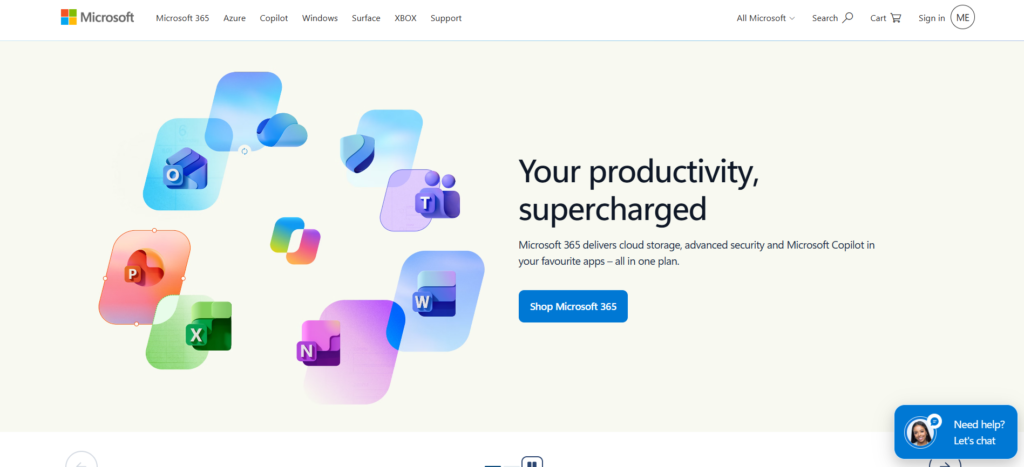
Microsoft Stream native to the enterprise video sharing service of Microsoft, now built on SharePoint so videos are located with documents in SharePoint and One Drive. Stream is included in most of the Microsoft 365 plans so it’s a natural default for organizations that are already fully engaged in the Microsoft world. Stream works seamlessly with Teams, saving meeting recordings by default and creating transcripts, and taking advantage of SharePoint’s current permission and compliance tools.
Key Features
- Native integration with Teams, SharePoint, OneDrive, and Outlook
- Automatic Teams meeting recording and transcription
- Inherits Microsoft 365 permissions, retention, and compliance policies
- Video trimming, chaptering, and search within Microsoft 365
- No additional licensing cost for most Microsoft 365 plans
Pros
- Included in most Microsoft 365 plans at no extra cost
- Seamless integration with Teams and SharePoint workflows
- Leverages existing Microsoft 365 security and compliance tools
- Simple for organisations already standardised on Microsoft 365
Cons
- Not designed for public-facing or external video distribution
- Lacks advanced analytics and quizzing compared to dedicated platforms
- Feature set is more limited than the retired Stream (Classic)
- Not available as a standalone product outside Microsoft 365
Pricing
- Premium with Copilot: $32/user/month
- Standard with Copilot: $23.50/user/month
- Business Basic: $7/user/month
Match the Video CMS to Your Content Strategy
Wistia fits in for marketing teams who want to generate leads and make videos engaging. Panopto is ideal for training and educational purposes that involve search-based learning content. Brightcove has been built for video streaming purposes by enterprises.
Kaltura fits organisations managing complex video ecosystems. Vimeo supports creative collaboration, while Microsoft Stream is useful for internal communication within Microsoft-based workplaces.
Where Video CMS Platforms Deliver the Most Value
Video CMS platforms support various business and educational needs beyond basic hosting. Their solutions support organizations in managing their programs for employee training, e-learning, marketing, sales enablement, internal communications, webinars and virtual events. Most of this content still starts with proper video production before it ever reaches a CMS.
They can also organise video assets for future reuse and support public video publishing. These capabilities make video content easier to distribute, discover, measure, and manage across different audiences and departments.
Managing Video Content Beyond Simple File Storage
Managing video effectively requires more than uploading files into folders. Video CMS platforms use metadata, categorisation, transcripts, and collections to make content easier to discover. Version control helps teams manage videos that have gone through multiple rounds in video editing software without confusion, while permissions control access.
Features such as captions improve accessibility, and archiving tools help organisations remove outdated content while maintaining a structured and manageable video library.
Security Controls to Check Before Uploading Business Videos
Business videos may contain sensitive information, making security controls essential when selecting a Video CMS. Check for role-based access, SSO, domain restrictions, DRM, private sharing, and access expiry. They will aid in figuring out who can view, edit or distribute the content.
Retention policy, auditing, and compliance are some additional features that may be required for business applications involving sensitive or regulated videos.
Video Analytics: From Views to Viewer Behaviour
Video analytics allow for more meaningful analysis beyond simple views. The platforms can analyze how long people spend viewing the video, completion rate, and retention rate. The engagement metrics may show clicks and comments.
Businesses can also evaluate which videos generate stronger results and connect viewing activity with CRM or marketing data. Device, location, and playback behaviour can further reveal audience viewing patterns.
Video CMS Pricing: What Can Increase Your Total Cost?
Video CMS pricing can increase significantly beyond the advertised subscription. Large storage requirements may require higher plans or additional fees, while more users can increase seat-based costs. High viewer traffic may create additional bandwidth expenses, especially for public content.
Live streaming, as well as analytics may need premium subscriptions or plug-ins. Integration of CRM, LMS and API may also increase the expenses, besides enterprise-level installation, migration and training.
Final Verdict
There’s no single best video content management system; the right platform depends on what the video is actually for. Wistia is the clear choice for marketing teams that want video to generate leads. Panopto is built for education and enterprise training libraries that need deep in-video search. Brightcove suits large-scale public streaming and monetisation.
For companies wanting to create their own custom video environment, Kaltura provides the greatest amount of flexibility. For content creators, Vimeo is easiest to get started with. Finally, for businesses that live in the Microsoft 365 ecosystem, Microsoft Stream is clearly the solution.
Frequently Asked Questions
1. What is the best video content management system in 2026?
Wistia will be the most suitable option overall for the lead generation tools that it offers but Panopto and Kaltura will fit the needs of larger organizations better.
2. What is the difference between a video CMS and video hosting?
Video hosting is limited to storage and streaming of video files, whereas the Video CMS will offer those features plus management, searching, permissions, metrics, and life cycle management.
3. Which video CMS is best for employee training?
Panopto has been identified as the most suitable tool for employee training because of its advanced searching capabilities, ability to integrate with LMS, and quizzing capabilities.
4. Which platform is best for video marketing?
Wistia is the best tool in video marketing, with in-video lead collection, CRM integrations, and analytics designed to convert views into pipeline.
5. Can a video CMS manage both live and recorded videos?
Yes. Most recent streaming providers, such as Kaltura, Brightcove, and Vimeo, integrate live streaming with on-demand hosting, whereby all live events are recorded in the library after being streamed.